> ## Documentation Index
> Fetch the complete documentation index at: https://docs.personal.ai/llms.txt
> Use this file to discover all available pages before exploring further.
# Publishing Your AI
Under Persona Settings > Configure > Publishing & Sharing, you can choose your privacy settings to make your persona either discoverable in your workspace or accessible by invite only.
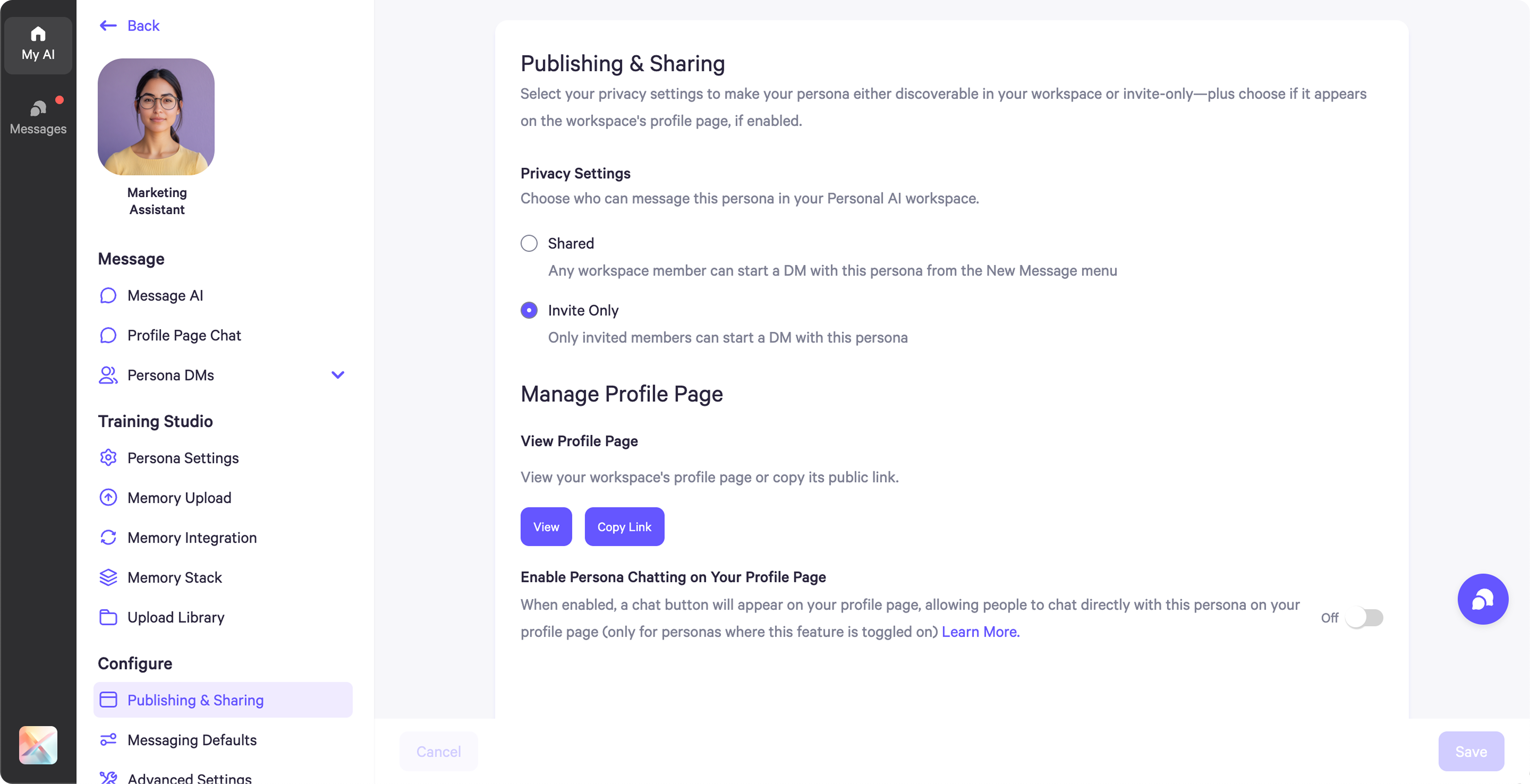 * **Invite Only**: Only people you explicitly invite can view and interact with your persona. It won’t appear throughout your workspace when people search for Personas.
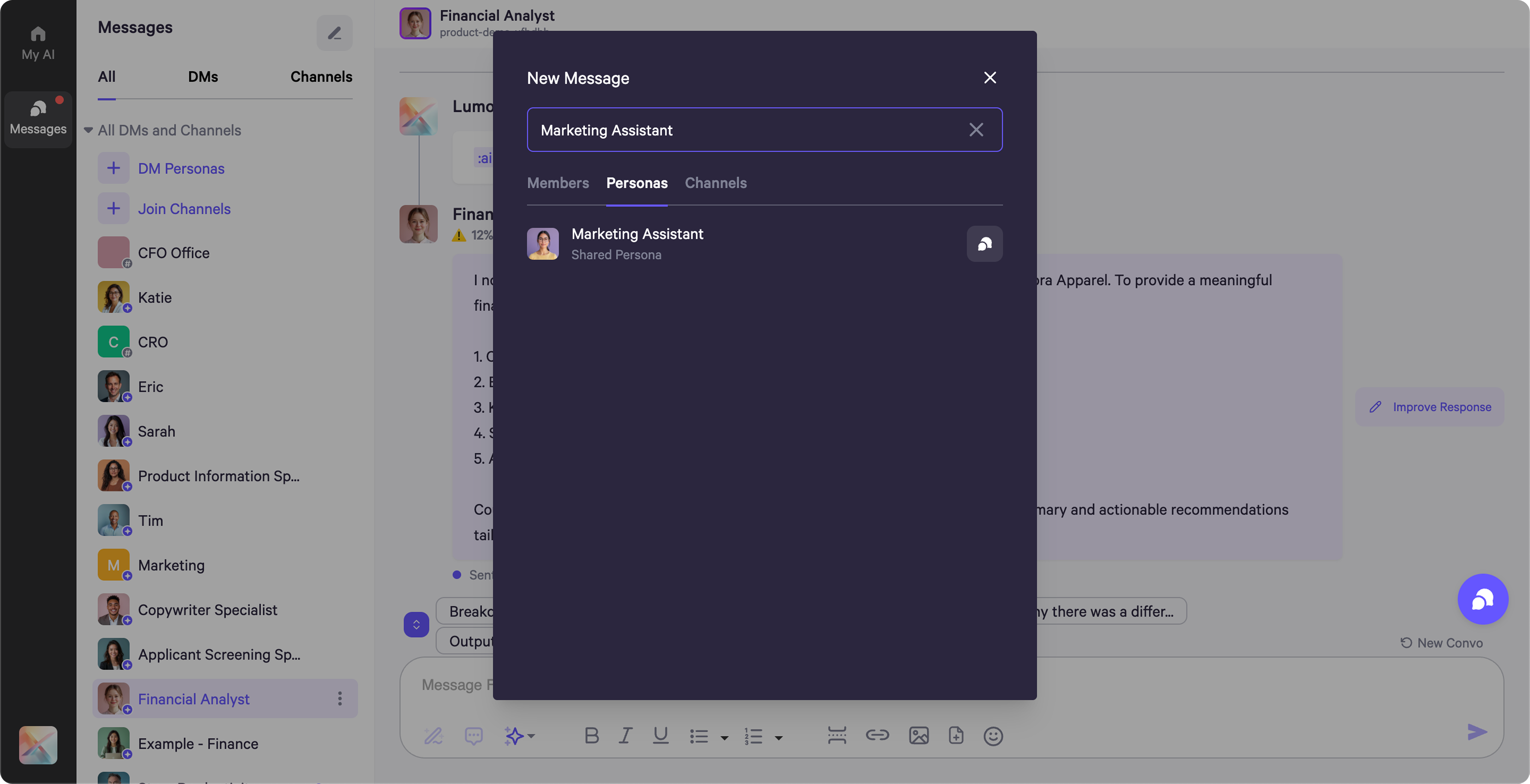
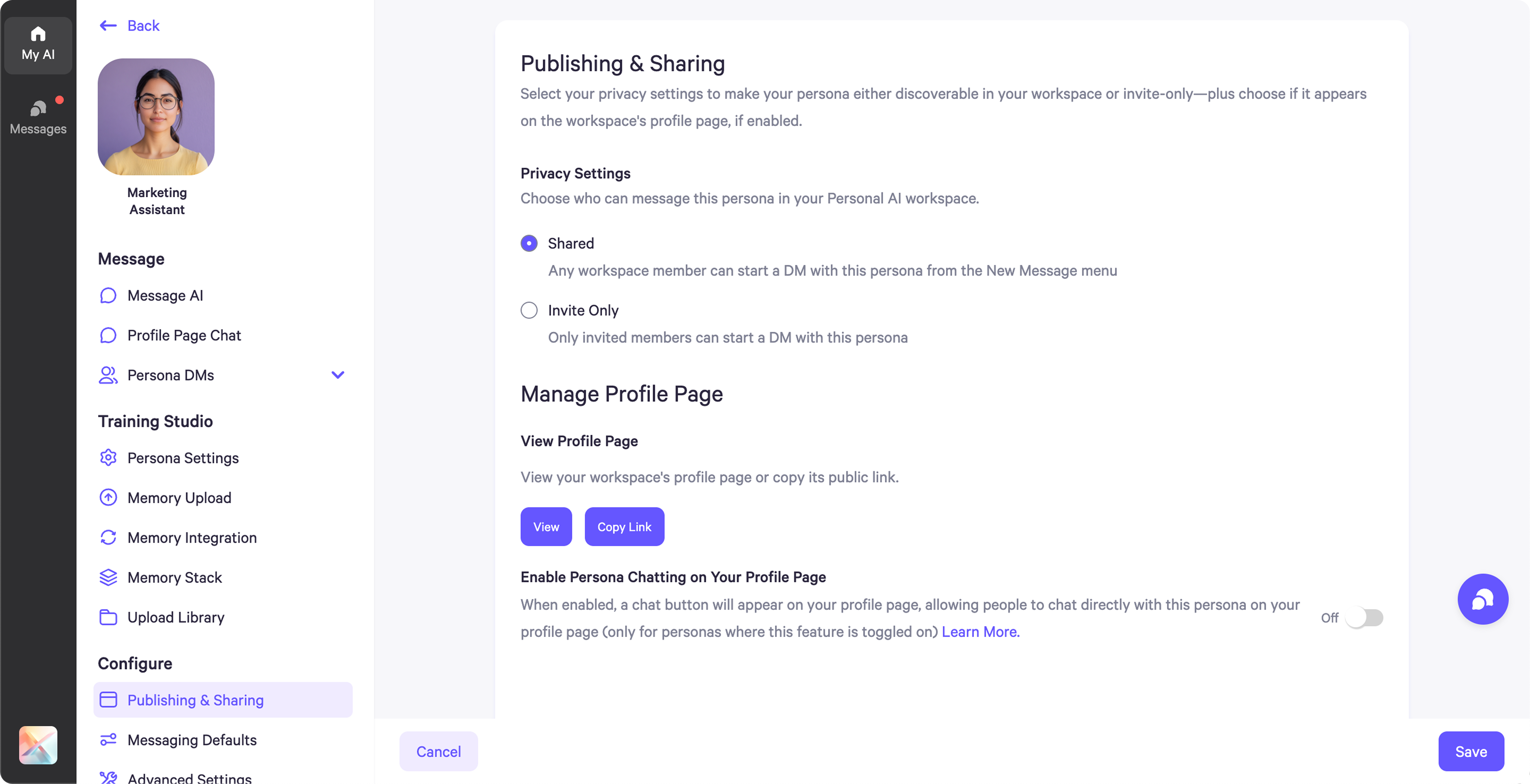 * **Shared**: Your persona is discoverable to others in your workspace. When someone searches in "DM Persona," they’ll be able to find and direct message the persona.