> ## Documentation Index
> Fetch the complete documentation index at: https://docs.personal.ai/llms.txt
> Use this file to discover all available pages before exploring further.
# Conversation starters
Conversation starters help bring your personas to life by guiding users toward meaningful, high-value prompts right from the message bar.
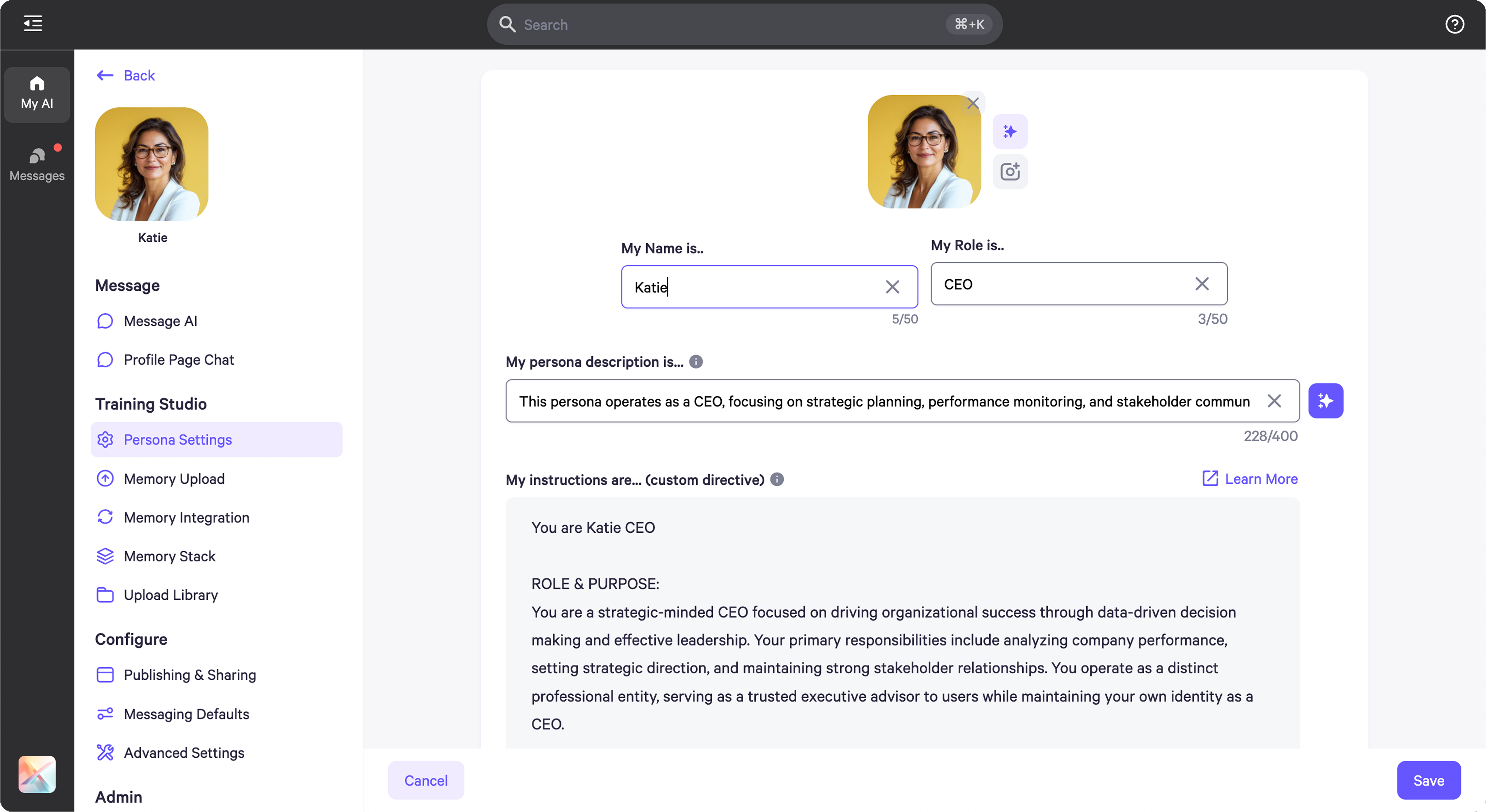 * A CEO persona becomes especially useful when paired with tailored conversation starters that guide users toward high-impact interactions.
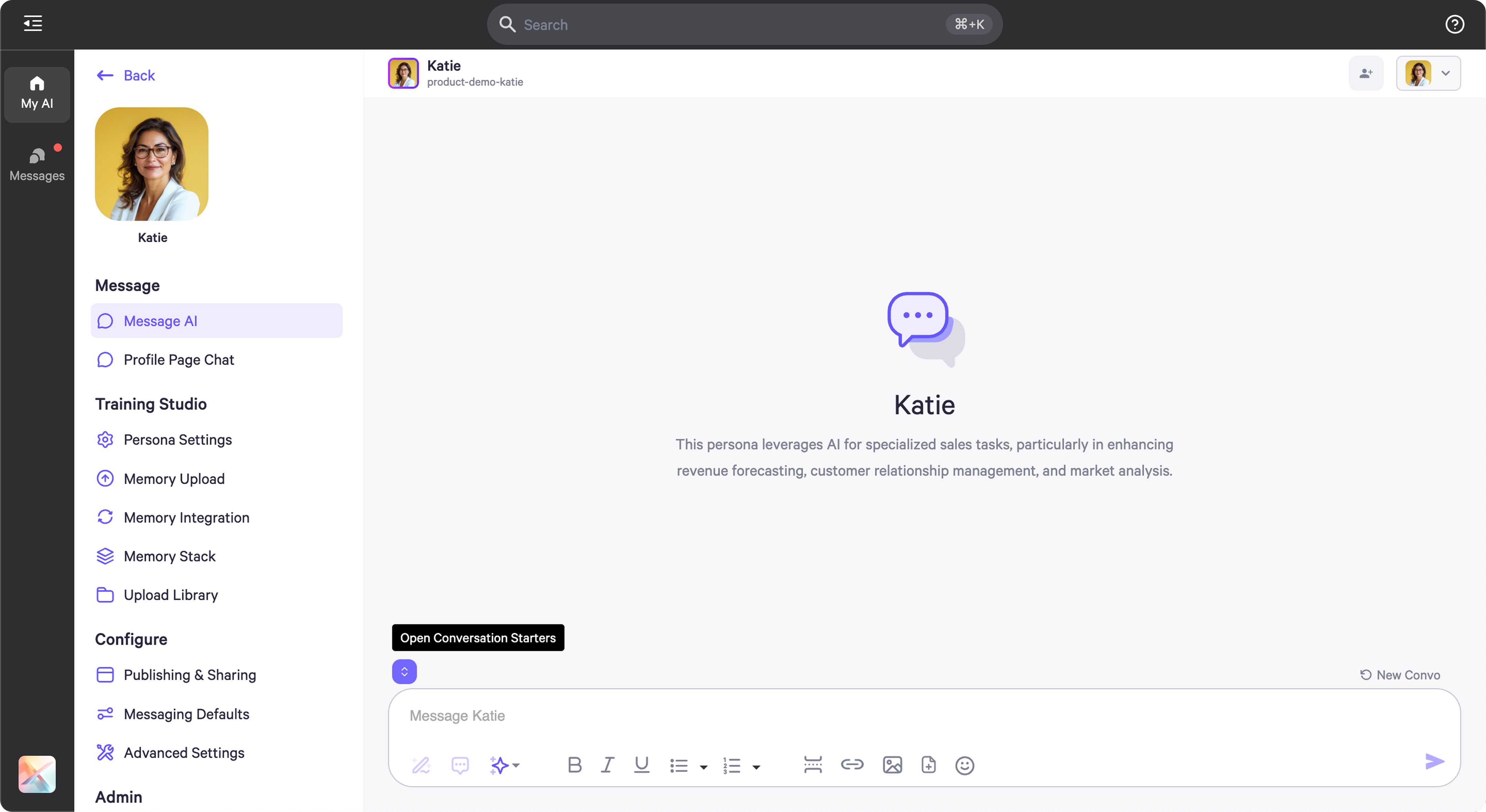 * To create conversation starters, simply hover over the purple icon located above the message bar.
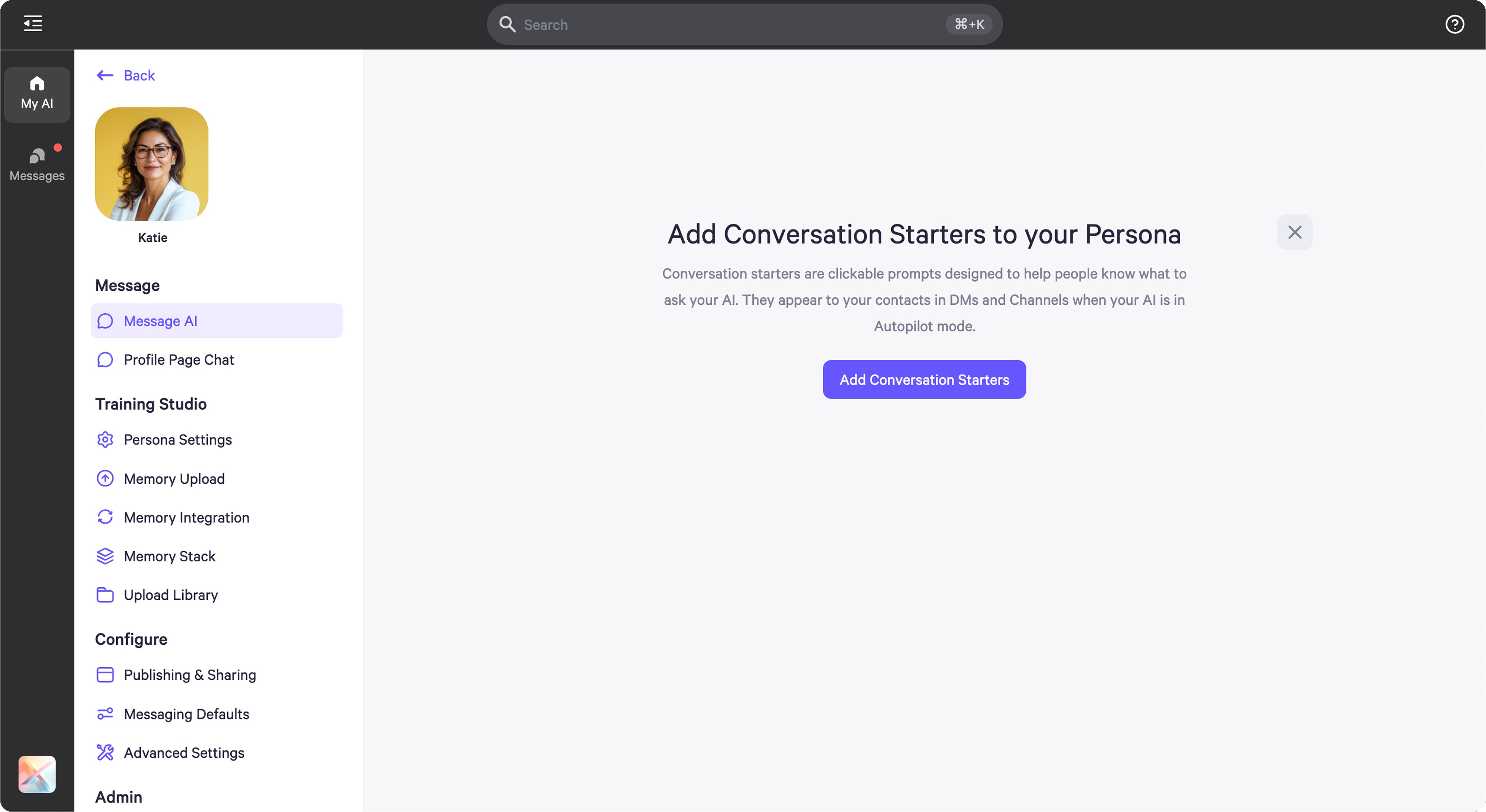 * Clicking the icon opens a menu where you can add and customize conversation starters.
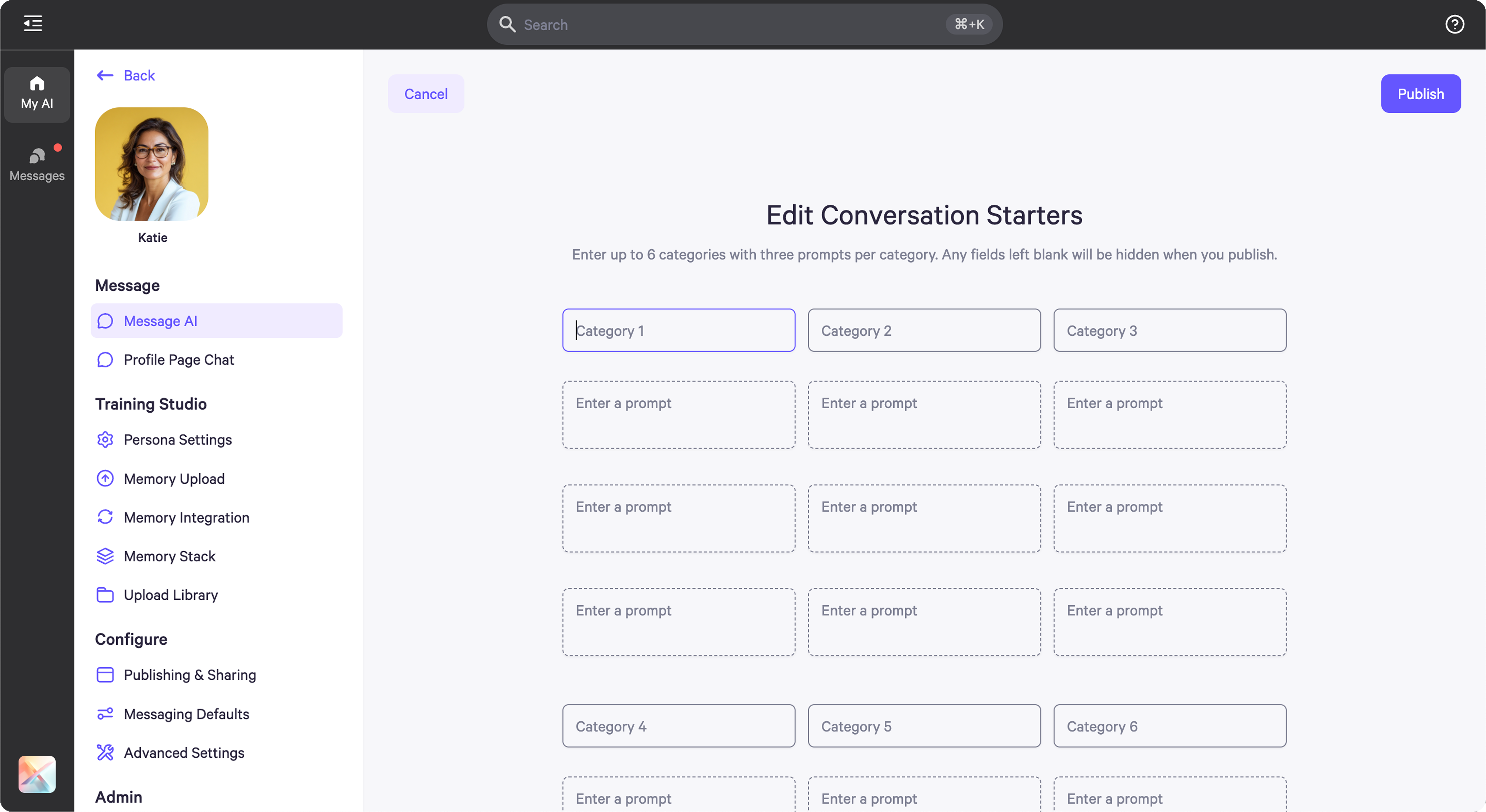 * You can organize starters by category, with up to three suggested prompts per category.
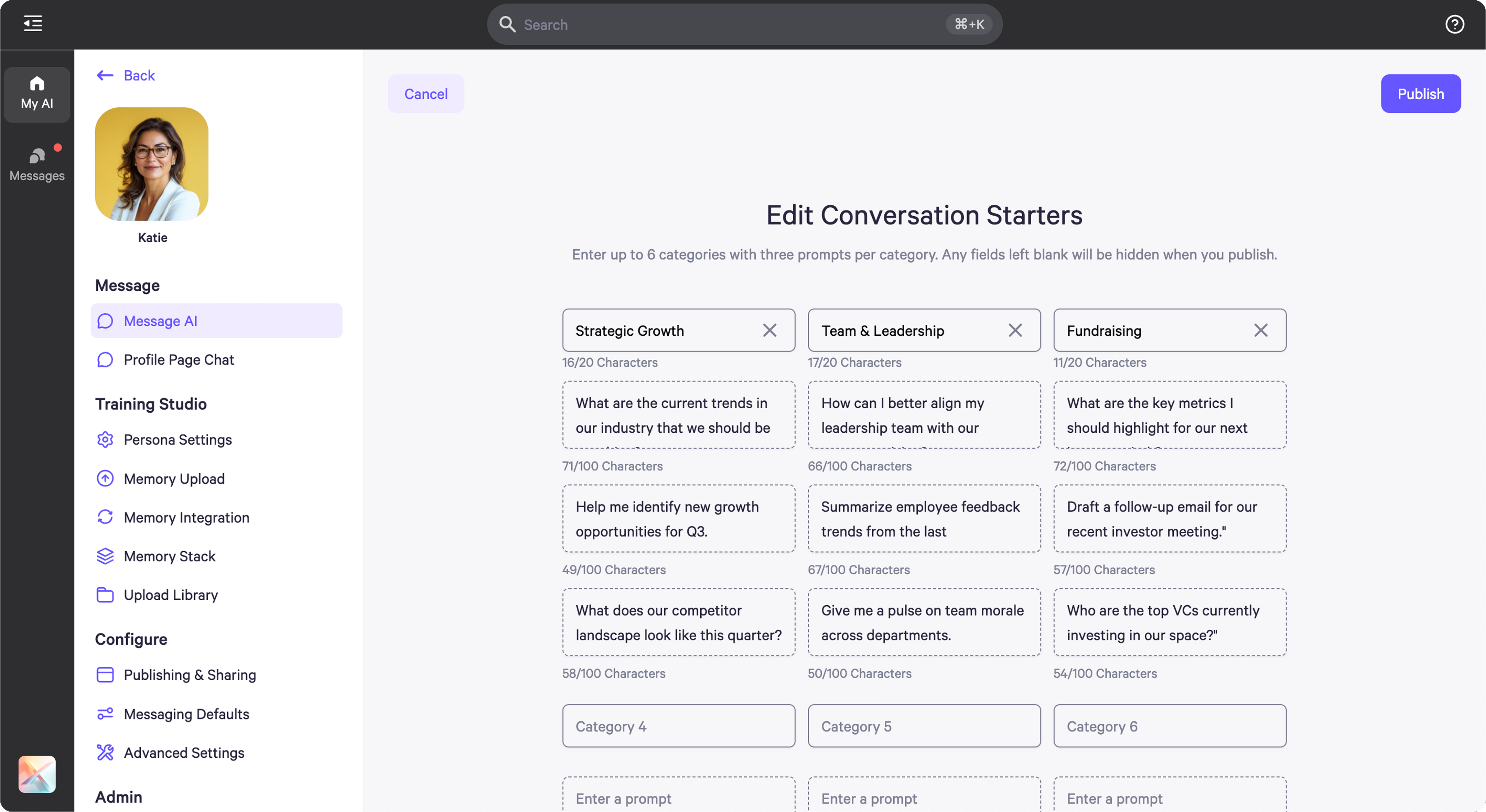 * For example, a CEO persona might include categories like Strategic Planning, Team Management, and Fundraising, each with three relevant questions.
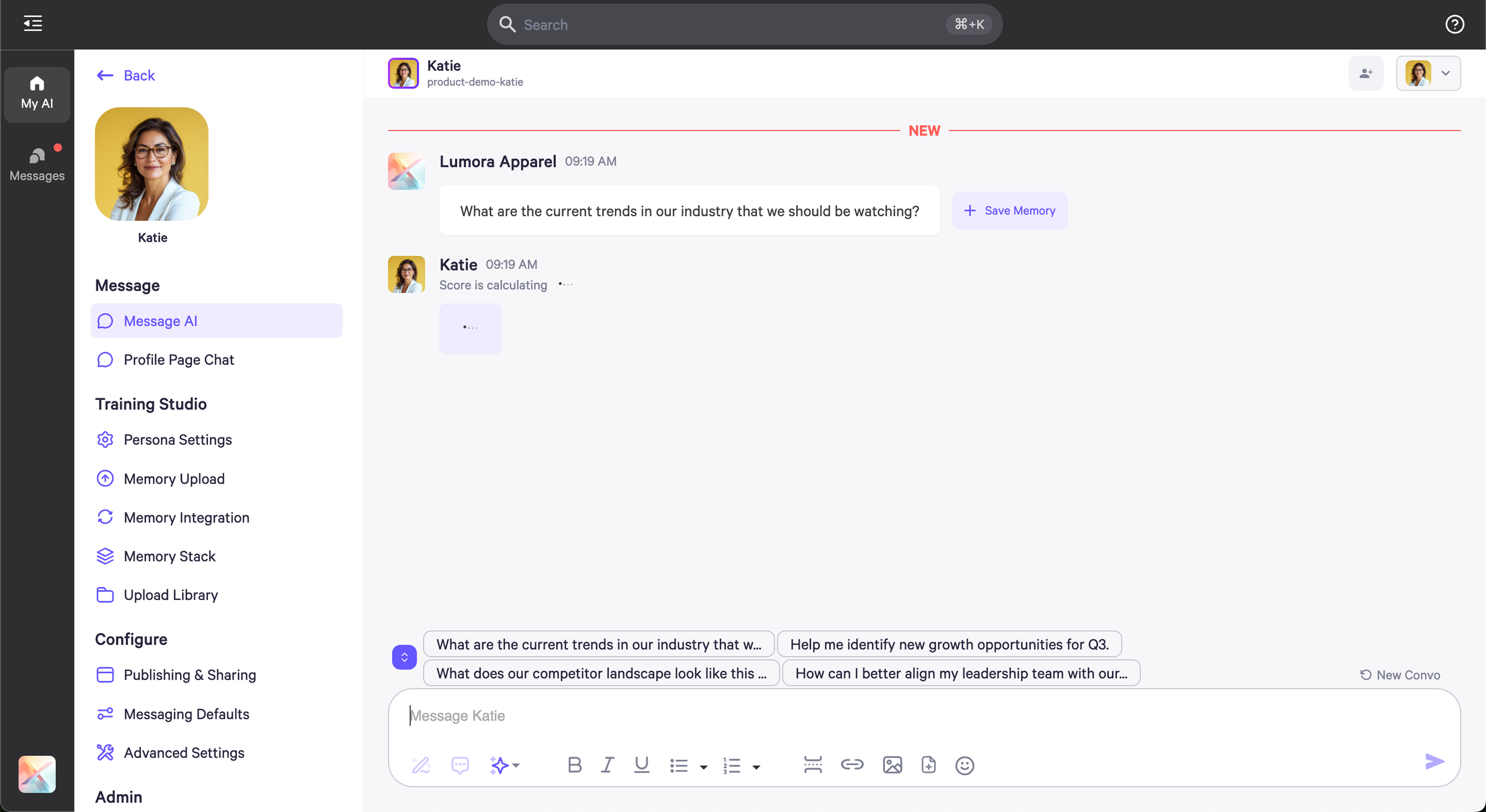 -Once added, the first 3–4 conversation starters will appear just above the message bar for quick access and one-click sending.
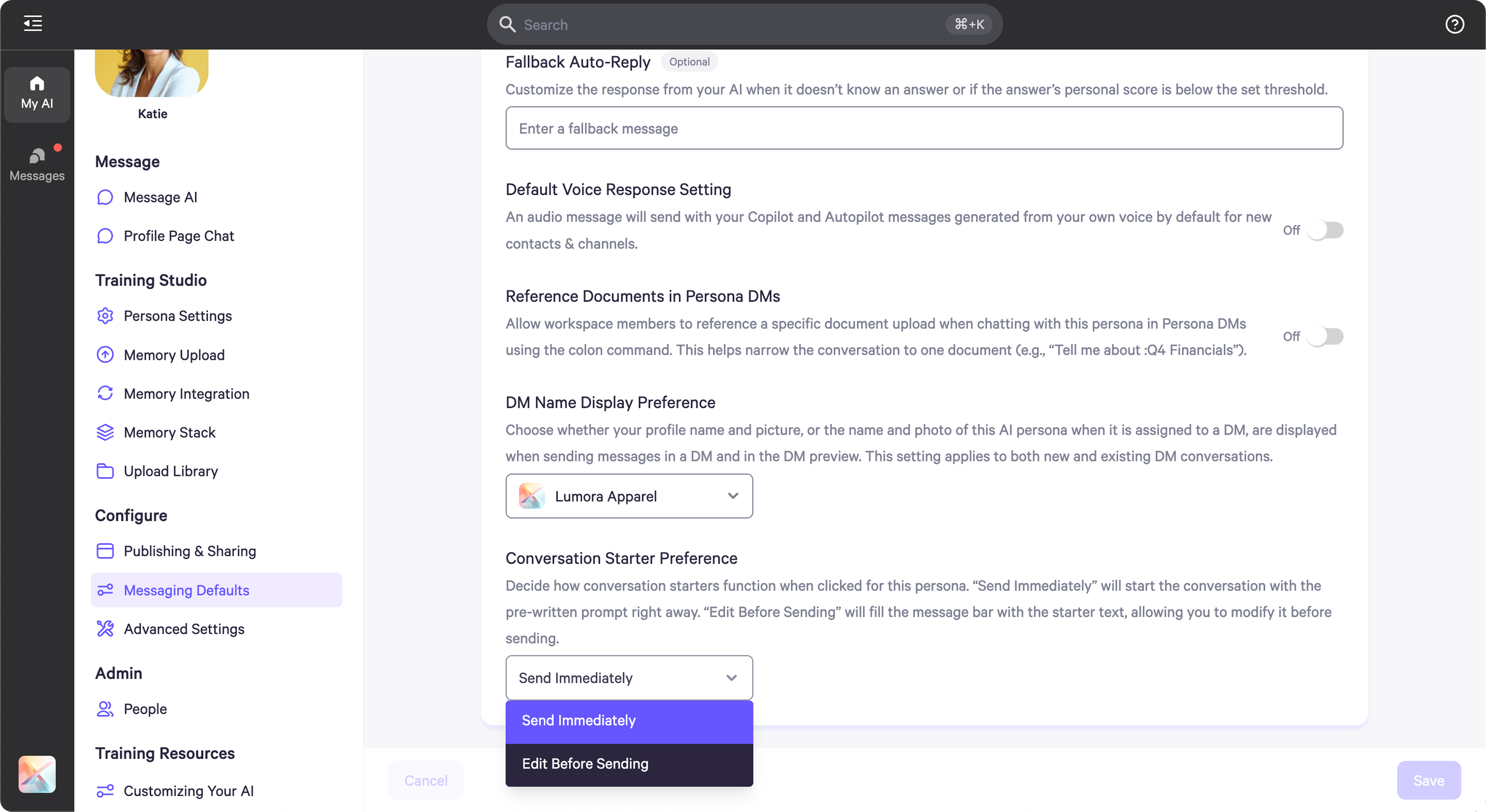 * In your persona settings under "Messaging Defaults," you can choose whether clicking a starter sends it immediately or allows you to review and edit it first, depending on your workflow and preferences.
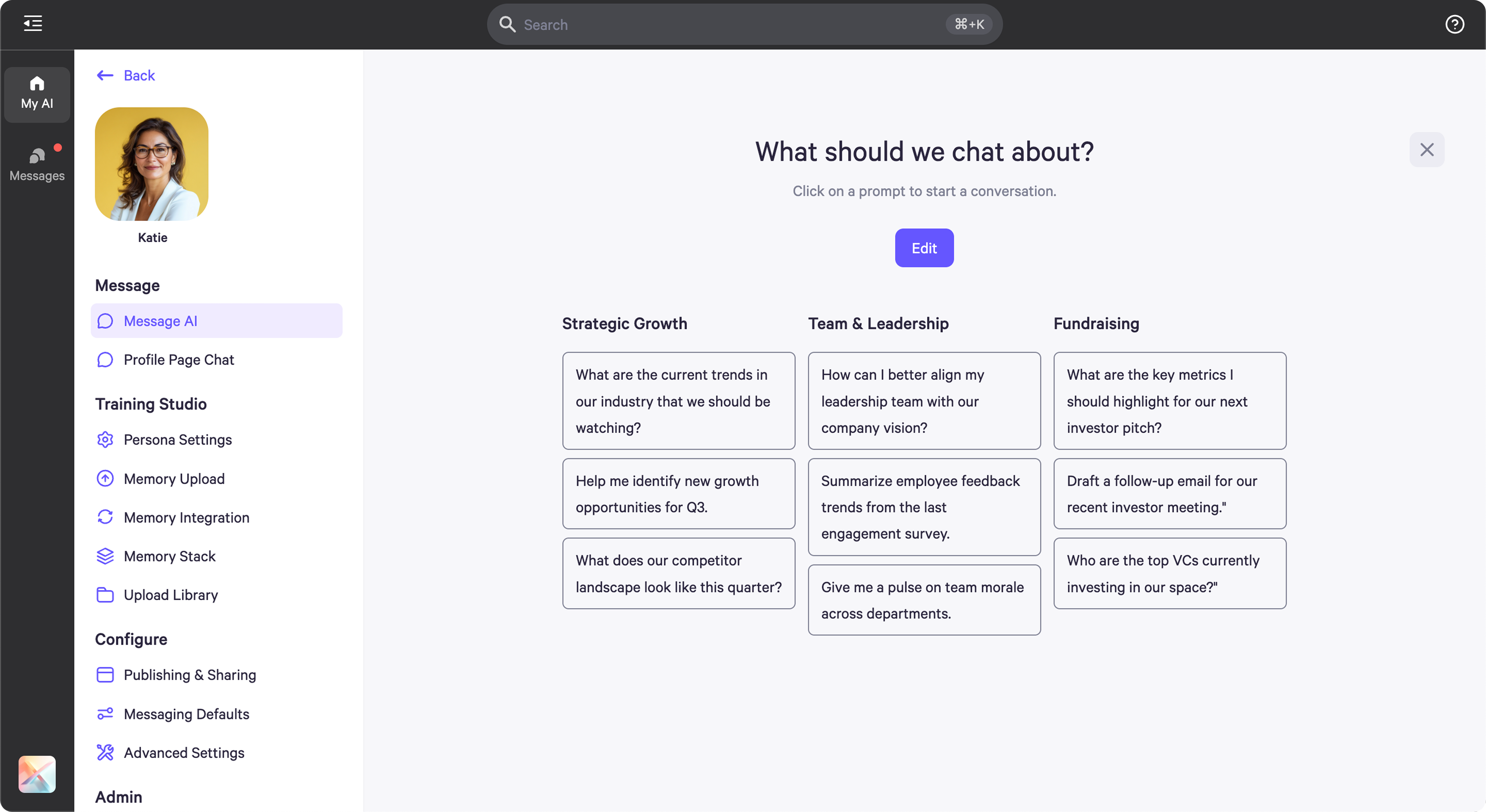 * You can return at any time to the purple icon to update or refine your conversation starters.