> ## Documentation Index
> Fetch the complete documentation index at: https://docs.personal.ai/llms.txt
> Use this file to discover all available pages before exploring further.
# Multi-Memory
# Channel Multi-Memory
With Multi-Memory, your AI Persona delivers seamless, personalized interactions by effortlessly switching contexts, maintaining consistency, and automatically applying relevant information, ensuring natural and efficient communication.
 **How to Enable Multi-Memory**
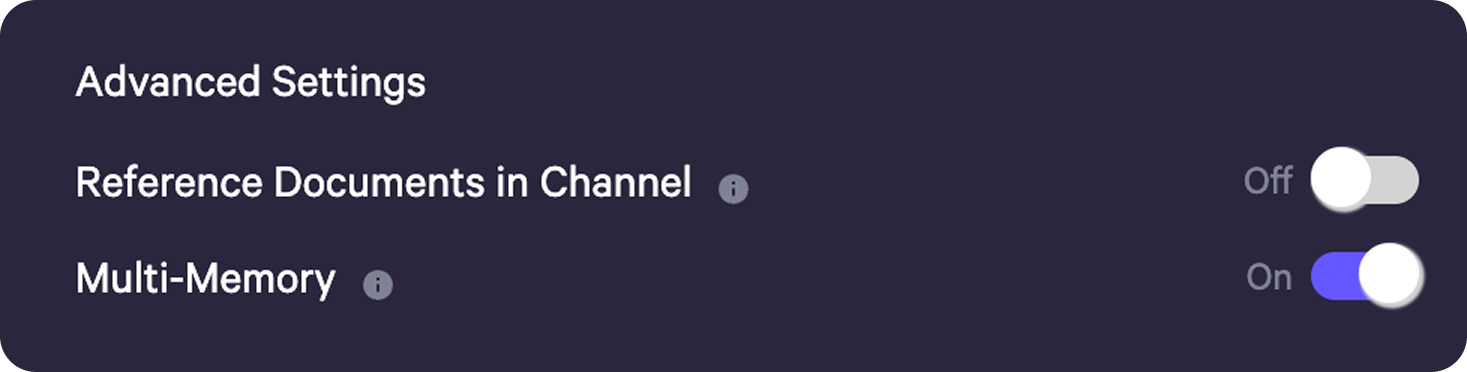
* To enable this feature, navigate to the desired channel and locate your AI controls in the top-right corner.
* Open the Settings tab, scroll down to **Advanced Settings**, and toggle on **Multi-Memory**.
**How to Enable Multi-Memory**
* To enable this feature, navigate to the desired channel and locate your AI controls in the top-right corner.
* Open the Settings tab, scroll down to **Advanced Settings**, and toggle on **Multi-Memory**.
 **Messaging Using Multi-Memory**
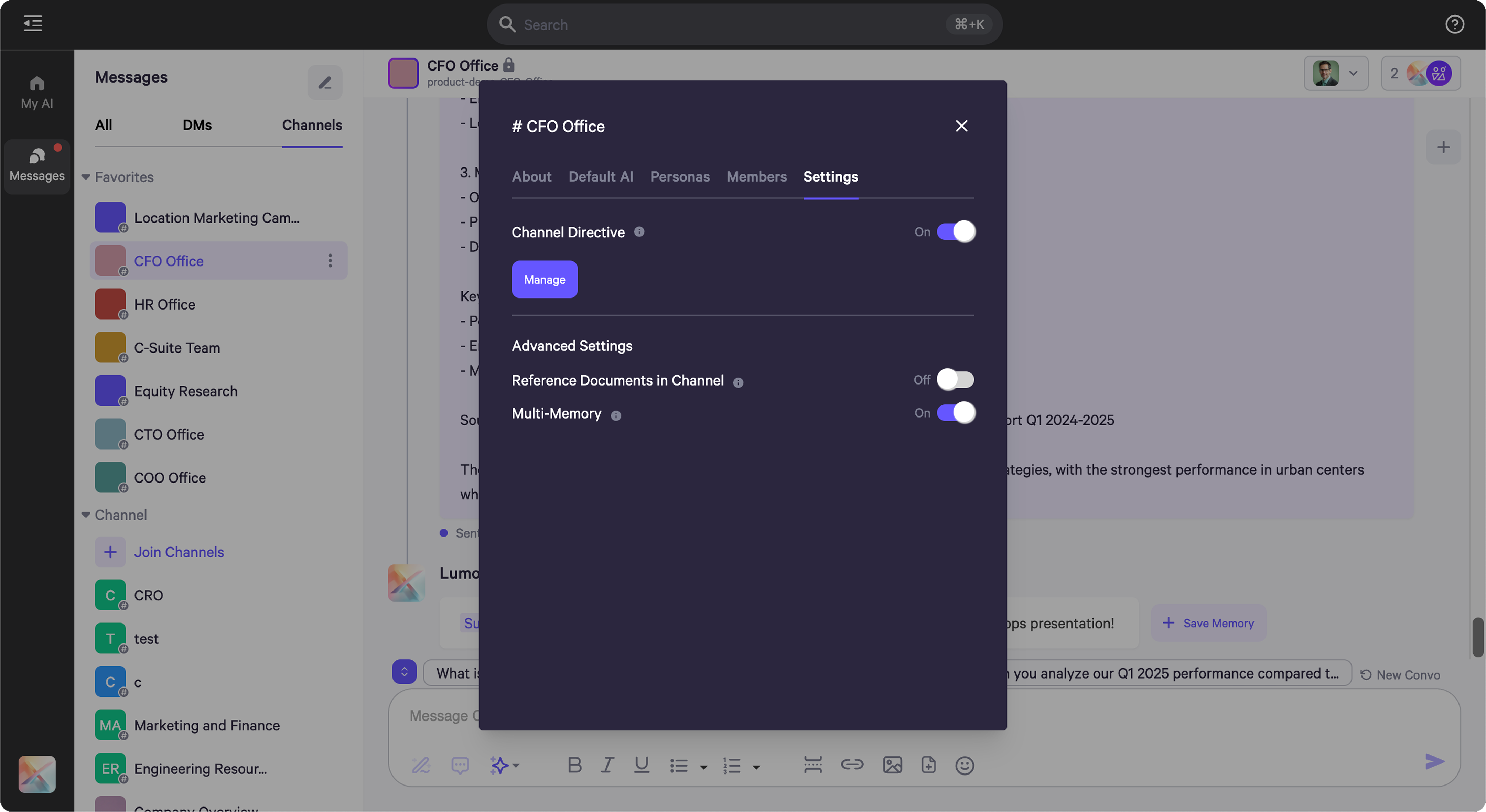
* When activated, your Persona accesses the most relevant memories and knowledge for each situation, ensuring it understands the current context of your conversation.
* As you chat, it continually updates its understanding, growing smarter with every interaction.
**Messaging Using Multi-Memory**
* When activated, your Persona accesses the most relevant memories and knowledge for each situation, ensuring it understands the current context of your conversation.
* As you chat, it continually updates its understanding, growing smarter with every interaction.