> ## Documentation Index
> Fetch the complete documentation index at: https://docs.personal.ai/llms.txt
> Use this file to discover all available pages before exploring further.
# Processing Data: CSV
## Tips for Formatting CSVs Before Uploading
Here are some possible reasons why the upload might **not** work.
* The total # of words in the document is over \~200,000
* The total # of words in a row is over \~500
* The number of columns in the CSV is over \~40-50 columns
* The total number of rows in the CSV is over \~10,000
* Cells in the CSV that are empty (this can cause inaccuracy, fill empty cells with "-")
* The first row of the CSV is empty
* There are multiple tables within one spreadsheet
* There are multiple header rows within one spreadsheet
* There are images in the spreadsheet
* The file is XLSX format and not CSV format
## What happens after the CSV is uploaded?
Once the CSV upload is initiated, the file will undergo a preprocessing stage to ensure it's uploaded correctly. Below is a flowchart that outlines how each row is processed, broken down, and populated with natural language.
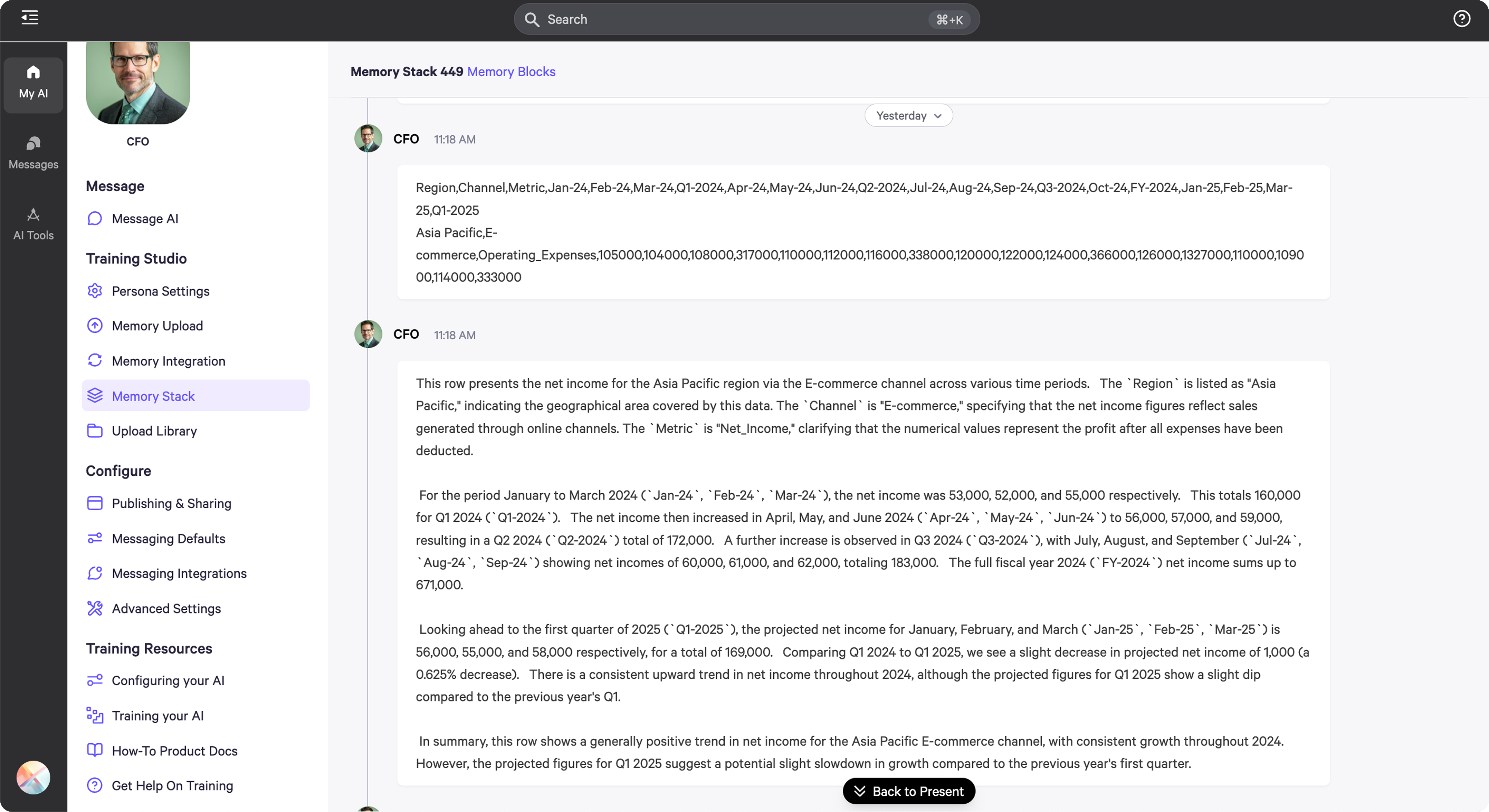
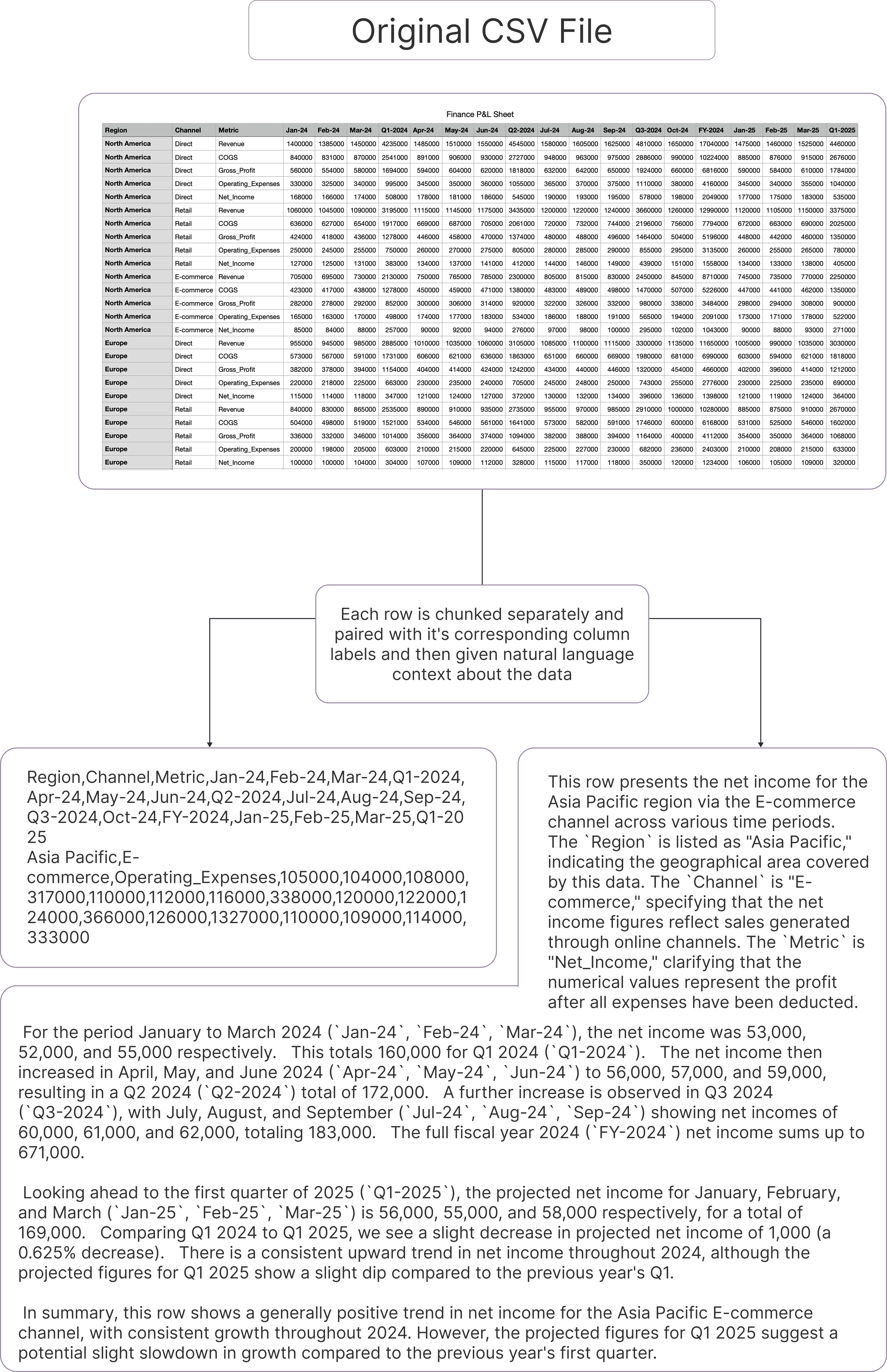 Here’s how the CSV is divided into different memory blocks in your memory stack. Each row is assigned its own block, which optimizes data retrieval when querying your spreadsheets.