> ## Documentation Index
> Fetch the complete documentation index at: https://docs.personal.ai/llms.txt
> Use this file to discover all available pages before exploring further.
# Memory Integrations: Google Drive
The Google Drive integration lets you sync files and folders directly from your Google Drive, automatically uploading data to your persona. These uploads will update dynamically as you make changes in Google Drive.
* To connect your Google Drive, click the purple **Connect** button.
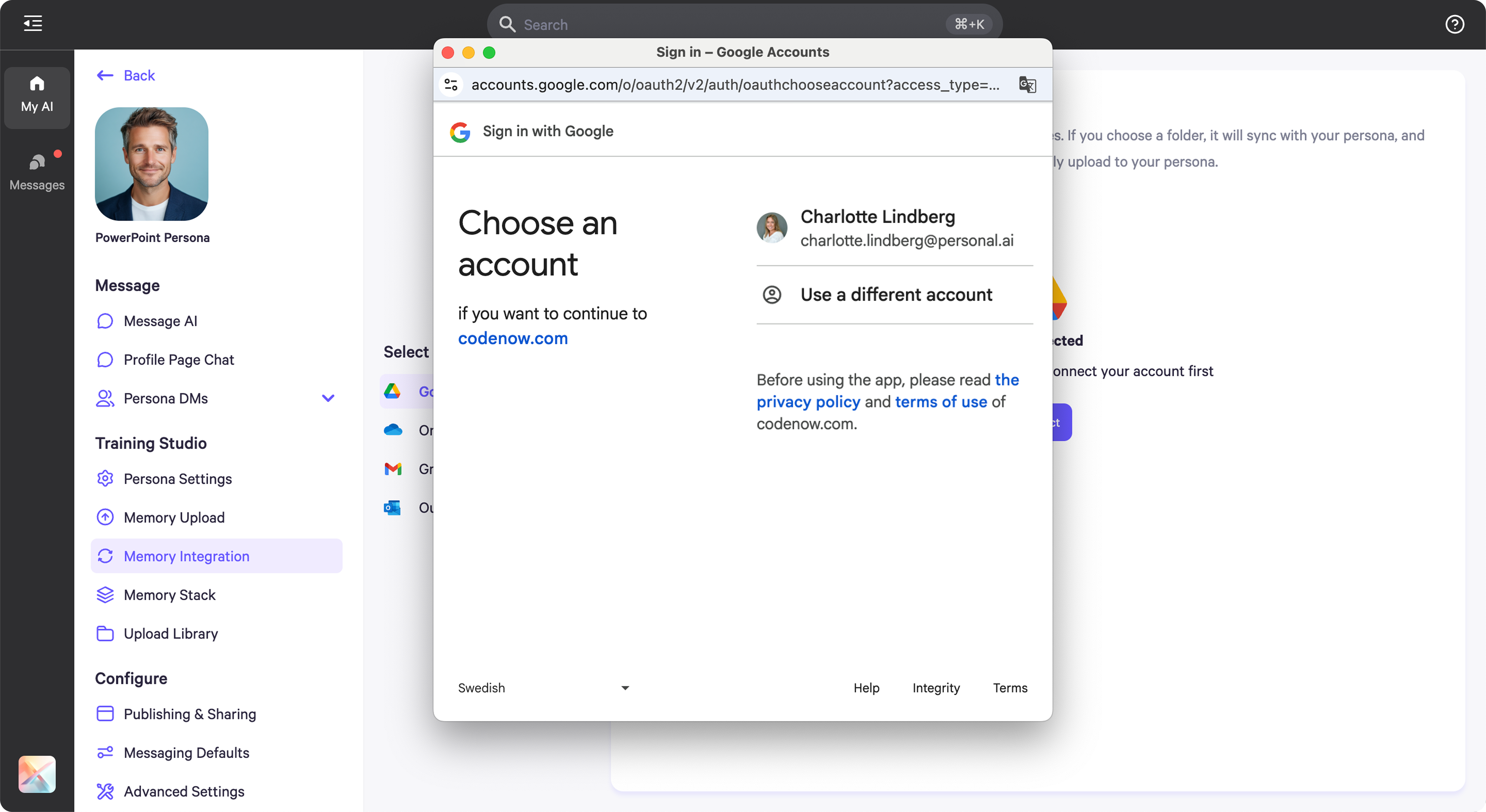
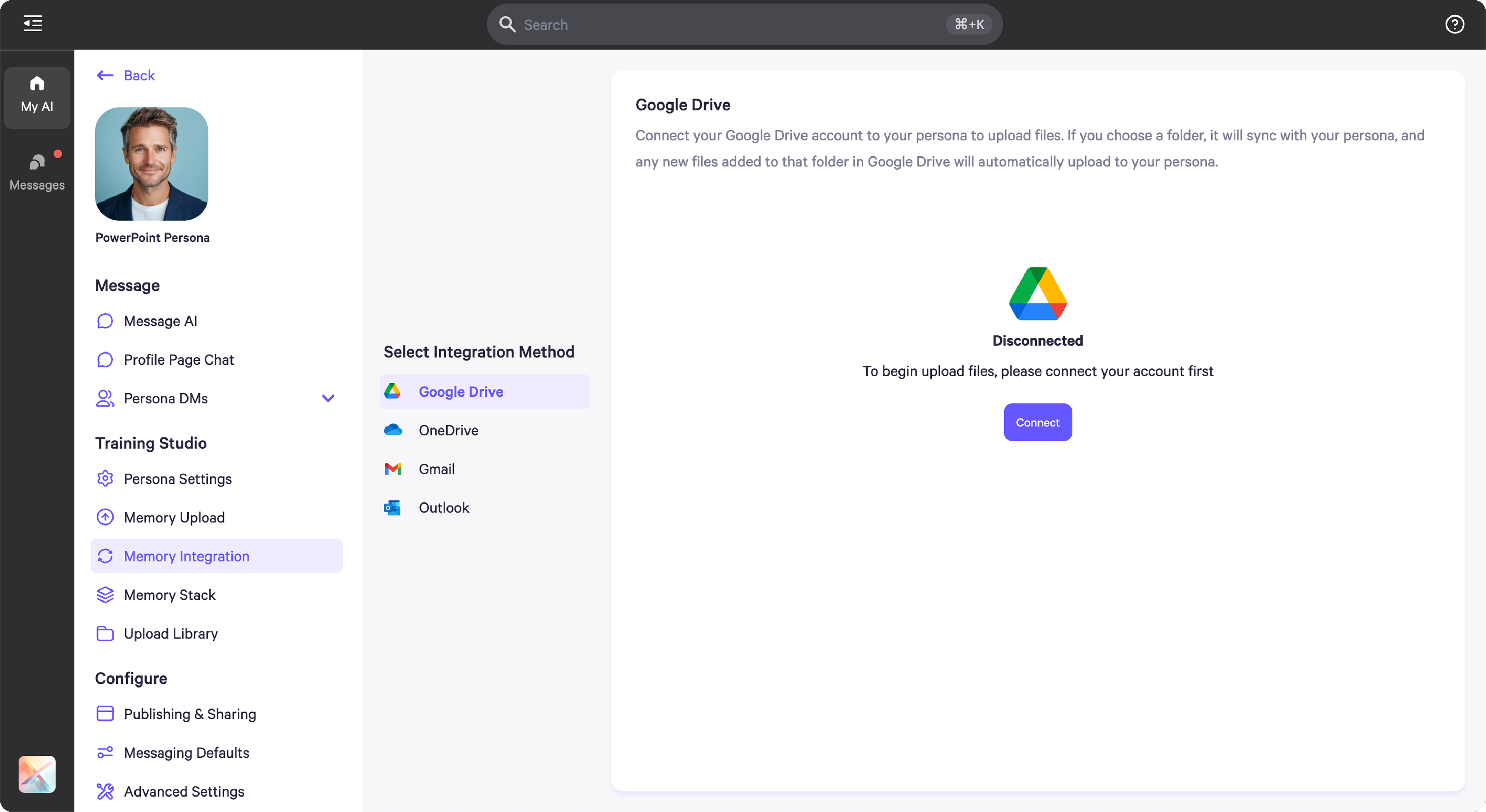 * To log in, you'll be redirected to an authentication popup. Follow the prompts to complete the login process and grant access.
 * Once connected, you'll be directed to your Google Drive, where you can select the folders or files you'd like to sync to your persona's memory.
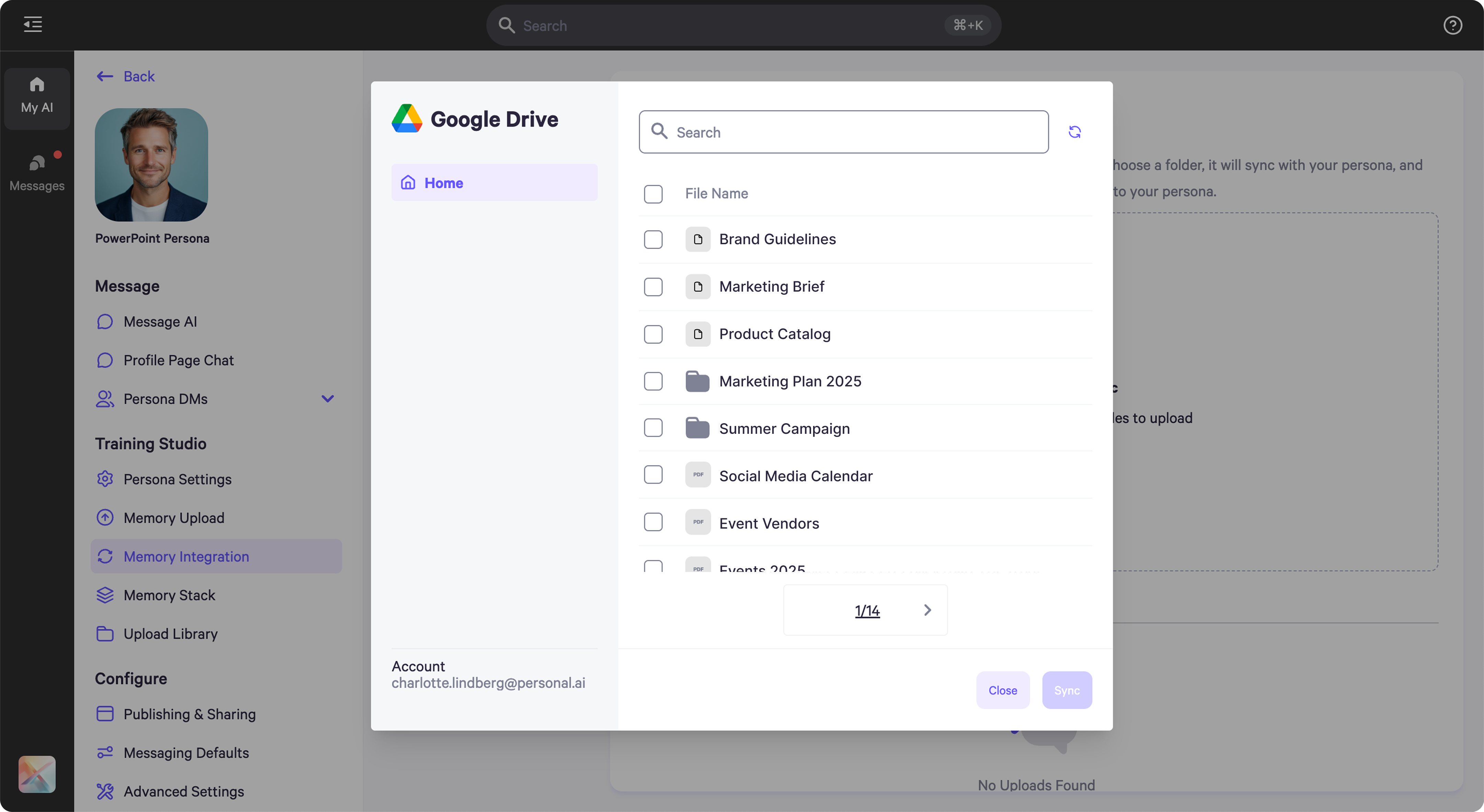 * After selecting the files or folders you want to sync, click **Sync** in the bottom-right corner.
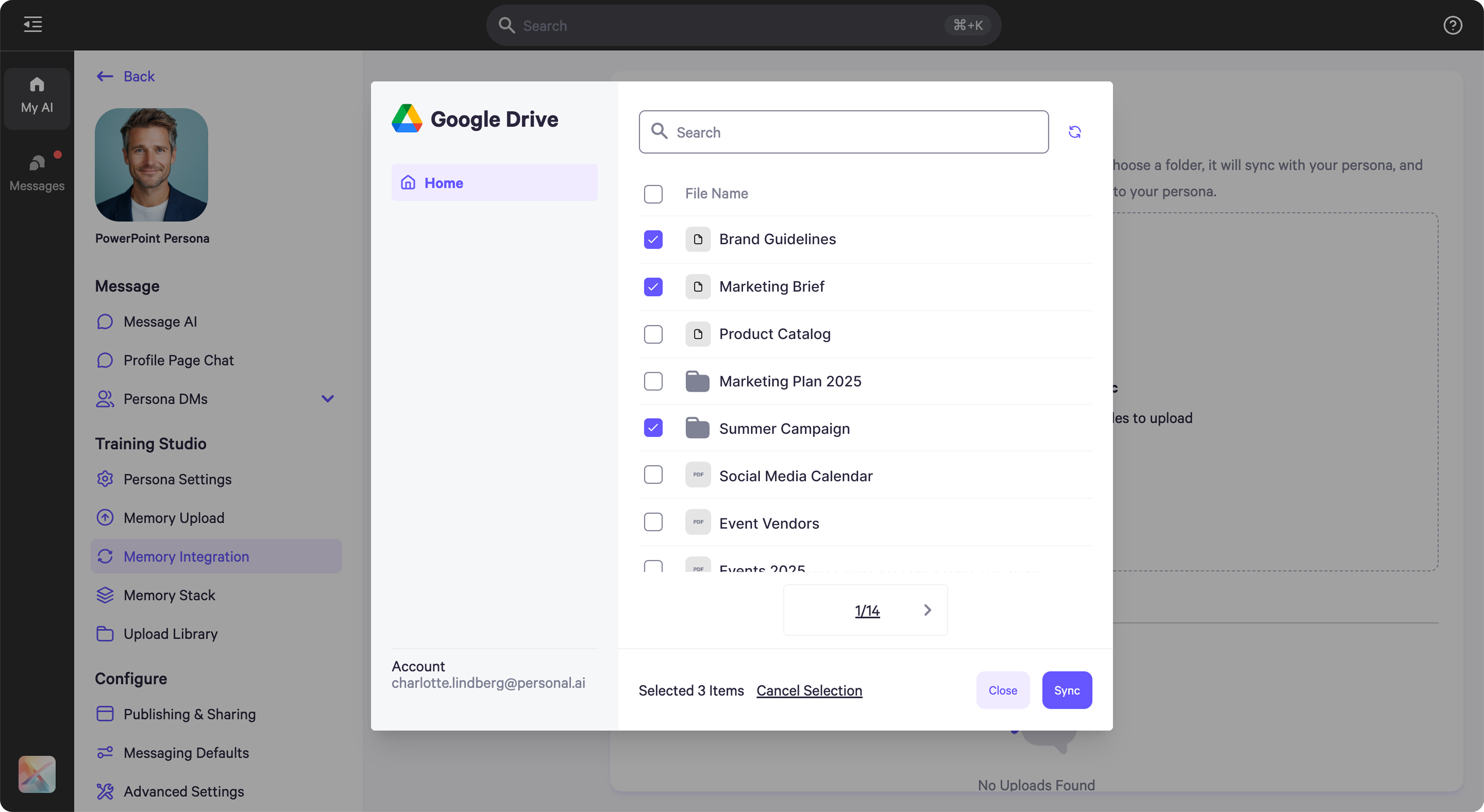 * Once synced, the files will begin uploading automatically to your persona.
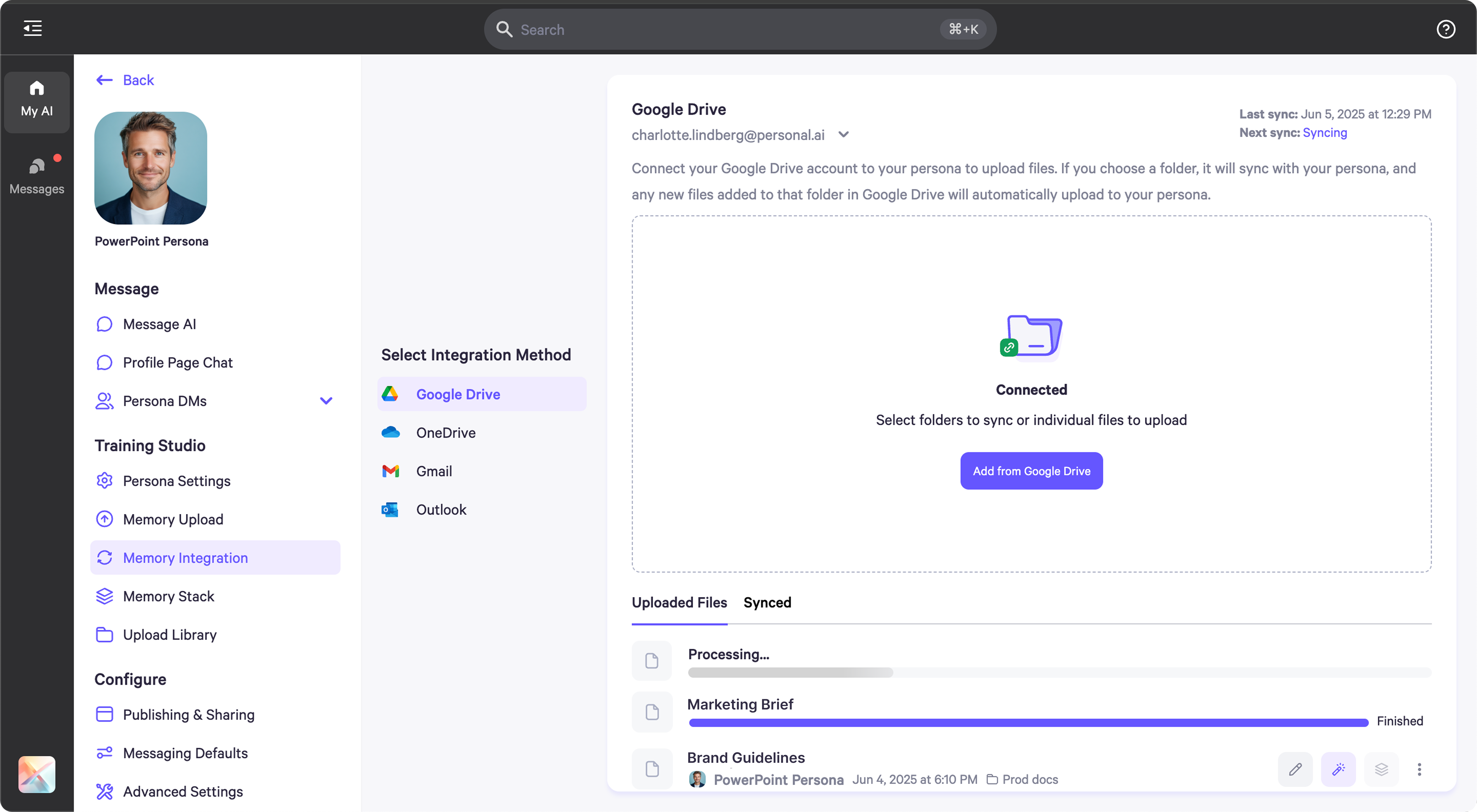 * If you synced a folder, any new files added to it in Google Drive will be automatically uploaded to your persona.
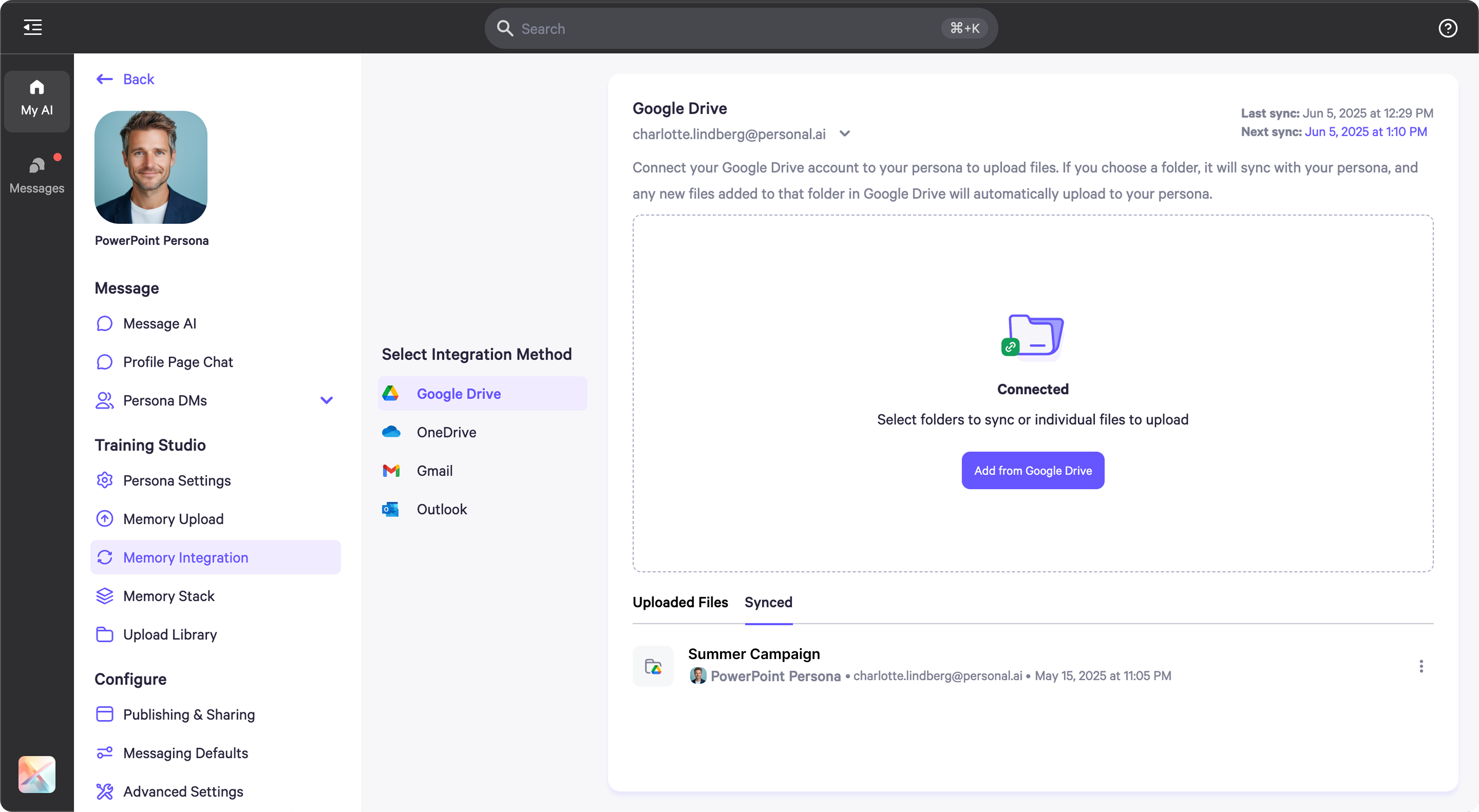 * In the top-right corner, you'll see timestamps showing when the last sync occurred and when the next one is scheduled.
