> ## Documentation Index
> Fetch the complete documentation index at: https://docs.personal.ai/llms.txt
> Use this file to discover all available pages before exploring further.
# Removal of Workspace Member/Admin
* Under **Organizational Settings**, you can manage **People** settings, including the ability to remove a workspace **Member** or **Admin**.
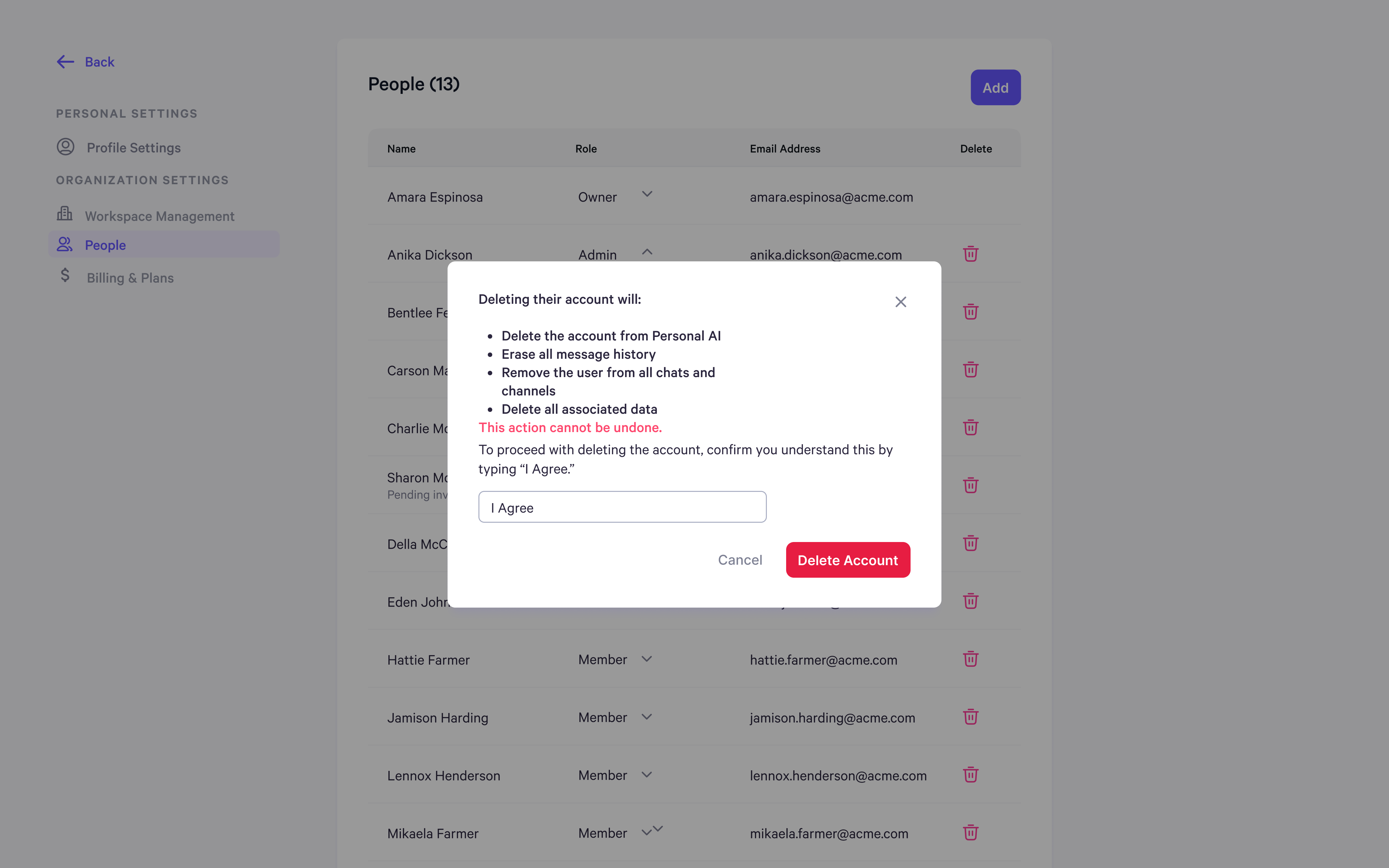
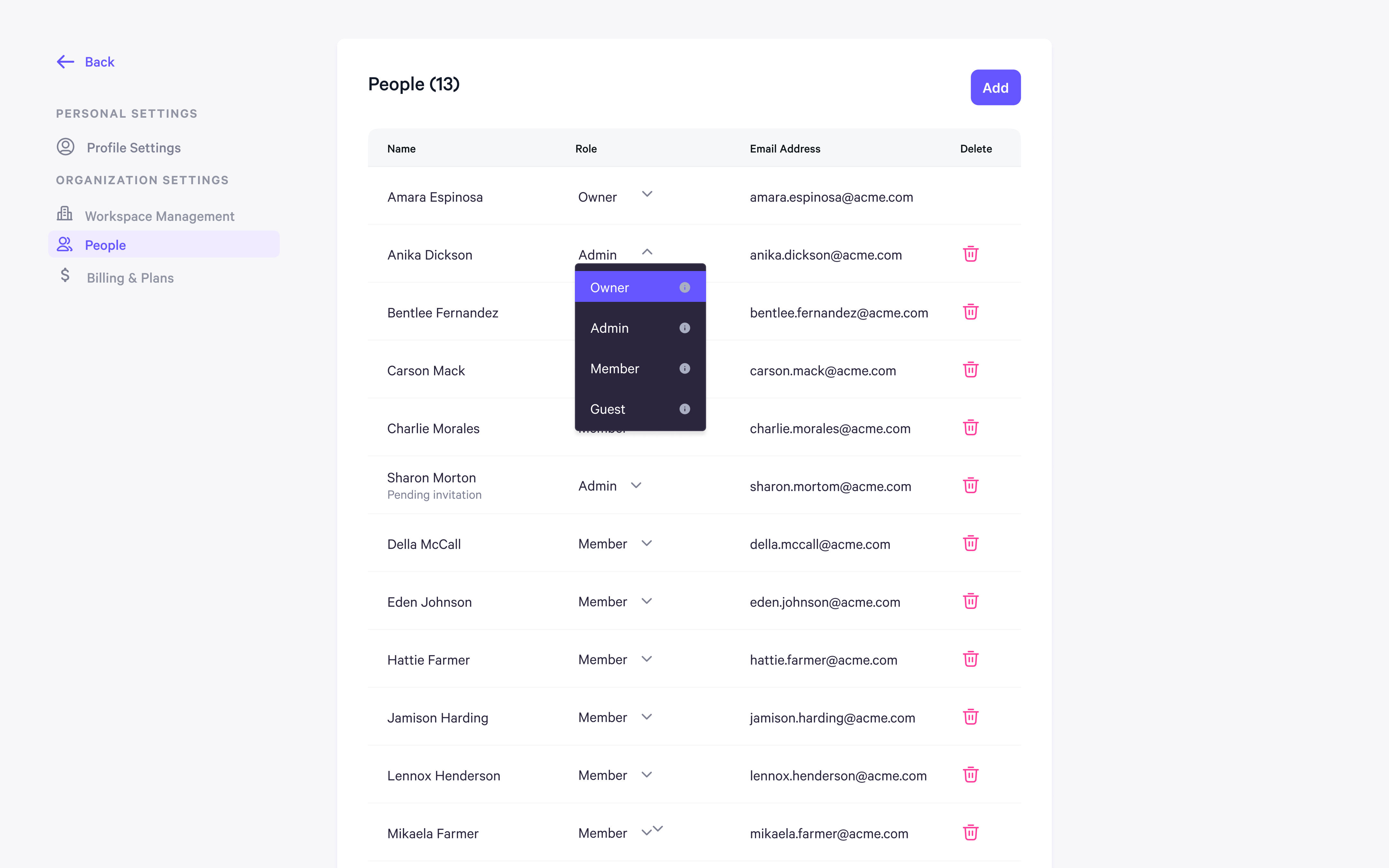 By clicking the red trash can icon next to a user's name, you can remove them from the workspace. Before deletion, a confirmation popup will appear, warning that this action will:
* Permanently delete their Personal AI account
* Erase all message history
* Remove them from all chats and channels
* Delete all associated data
This action **cannot** be undone.
By clicking the red trash can icon next to a user's name, you can remove them from the workspace. Before deletion, a confirmation popup will appear, warning that this action will:
* Permanently delete their Personal AI account
* Erase all message history
* Remove them from all chats and channels
* Delete all associated data
This action **cannot** be undone.
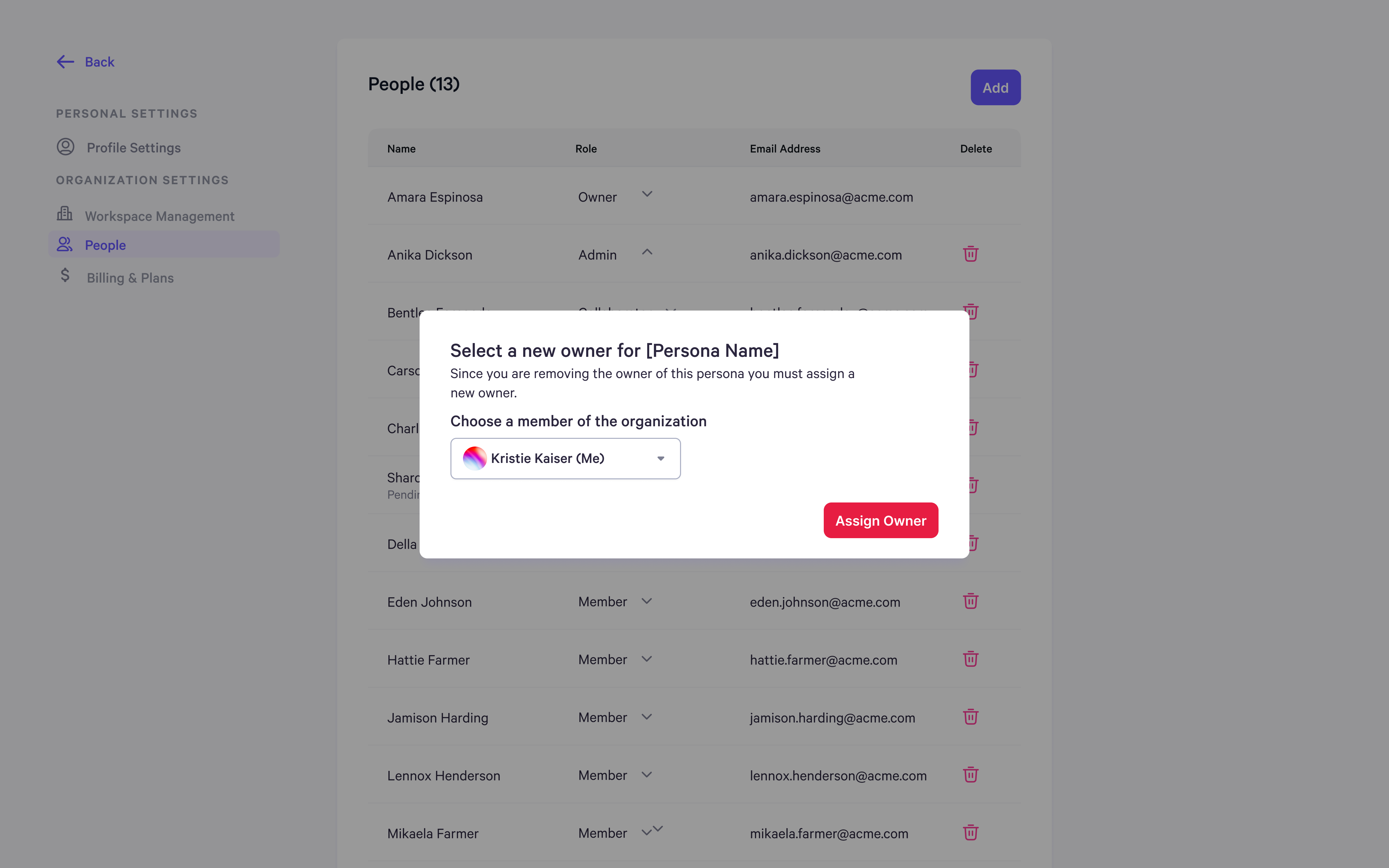
 * If the user owns a **Persona**, you must assign a new owner before removing them from the workspace.
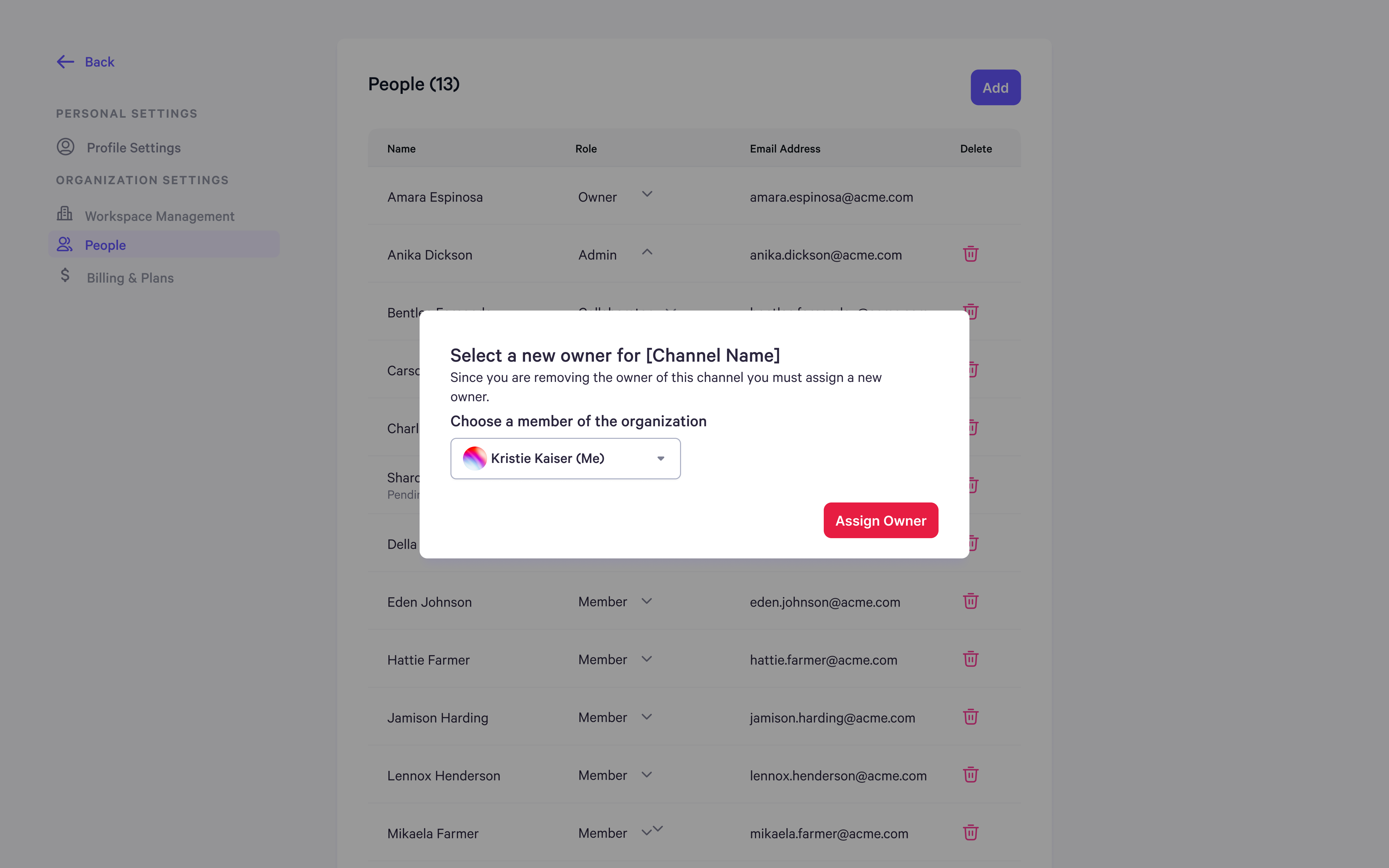
 * If the user owns a **Channel**, you must assign a new owner before removing them from the workspace.