> ## Documentation Index
> Fetch the complete documentation index at: https://docs.personal.ai/llms.txt
> Use this file to discover all available pages before exploring further.
# Settings for Workspace Members
Workspace Members are the standard users who can participate in channels, communicate with others, and manage their own created content. They focus on collaboration and communication within the workspace but don't have administrative privileges. Think of them as team members who contribute to the workspace's activities without management responsibilities.
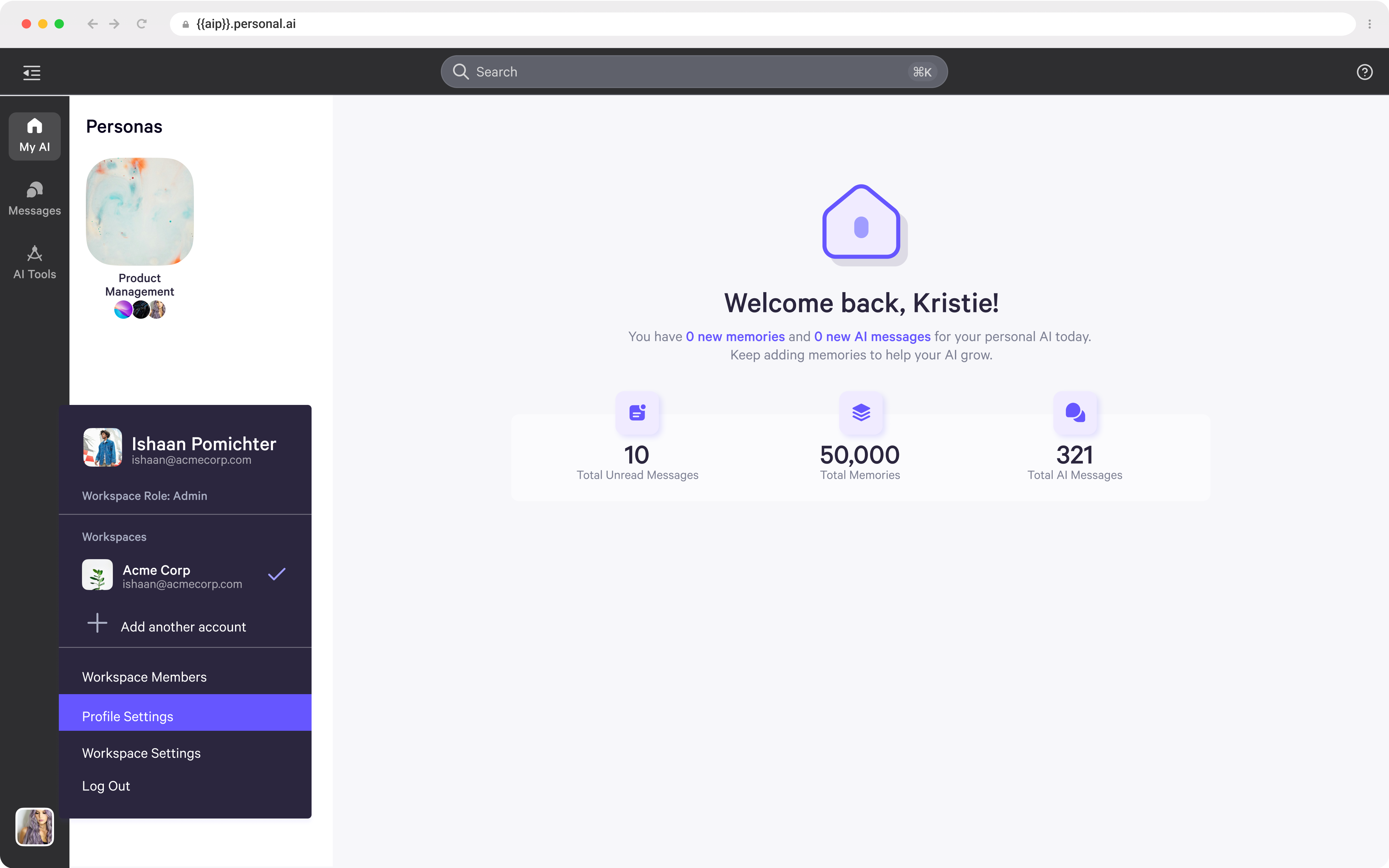
* To access your settings, click your icon in the bottom left corner and select **Profile Settings**.
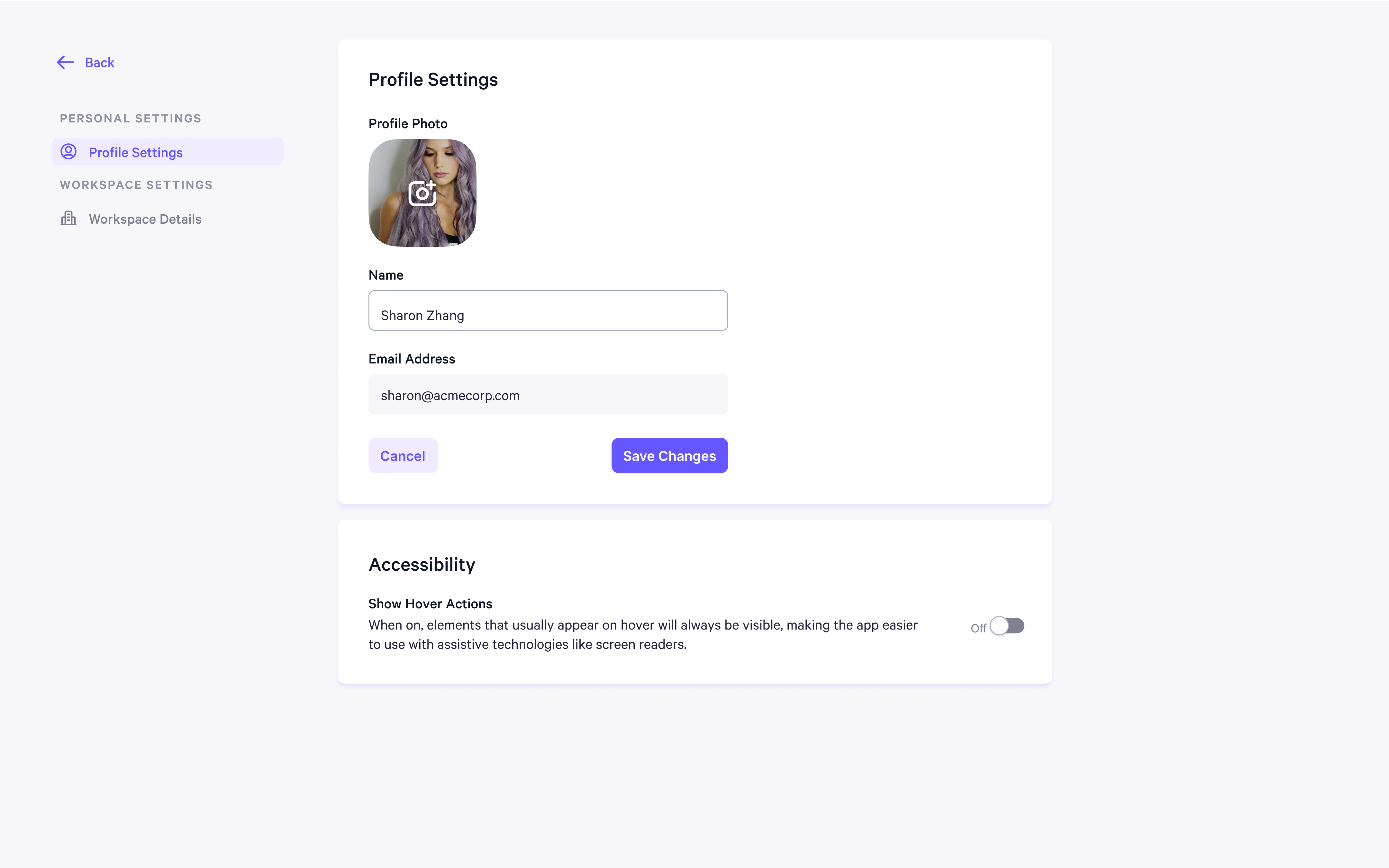
 * Under **Personal Settings**, you can manage your profile settings, including your name, email address and accessibility options.
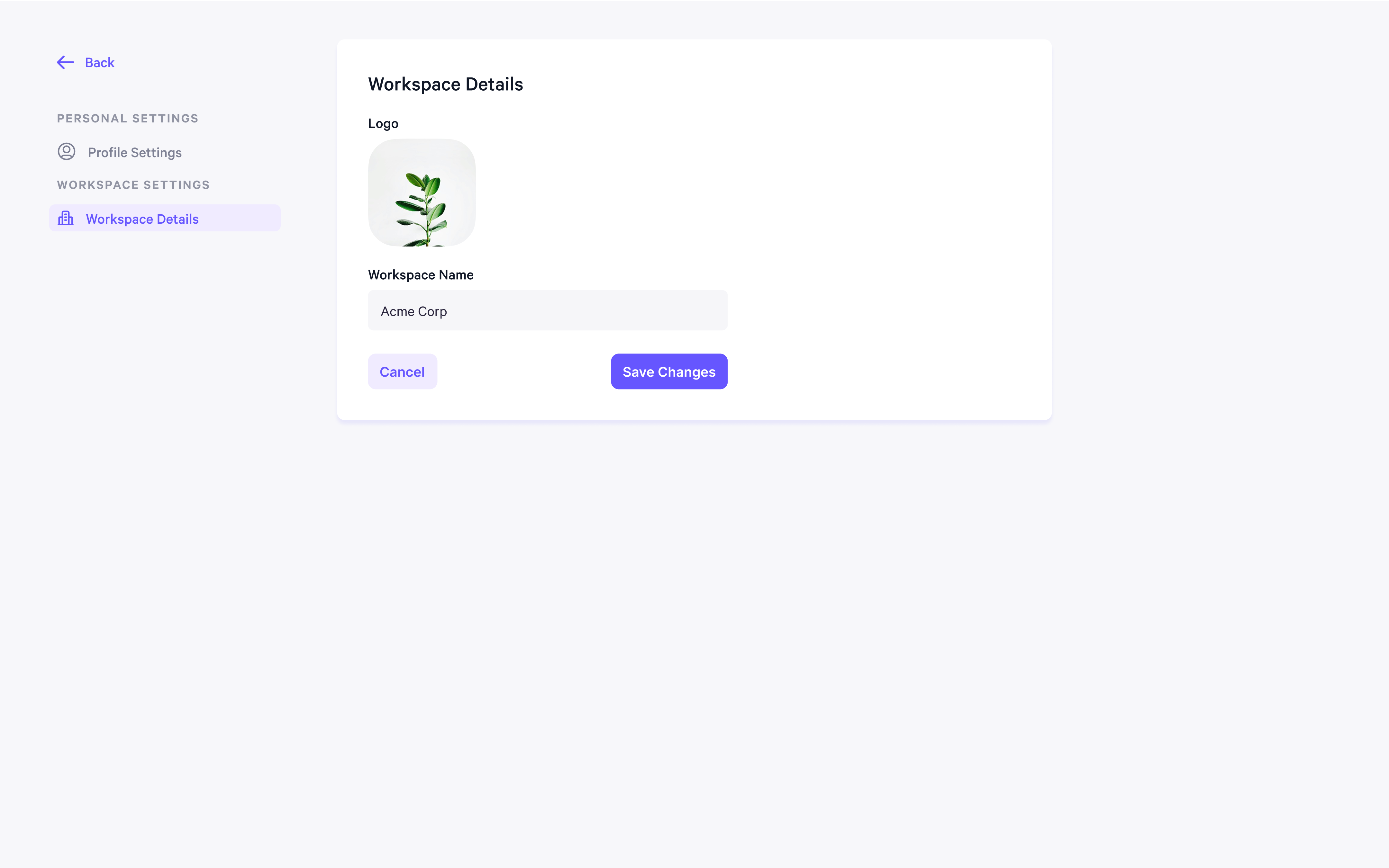
 * Under **Workspace Settings**, you can view and manage your workspace settings, including the logo and workspace name.