> ## Documentation Index
> Fetch the complete documentation index at: https://docs.personal.ai/llms.txt
> Use this file to discover all available pages before exploring further.
# Transfer Ownership of a Workspace
If an **Owner** wants to transfer ownership to another user in the workspace, they can do so under **Workspace Management** in the **Organizational Settings** page.
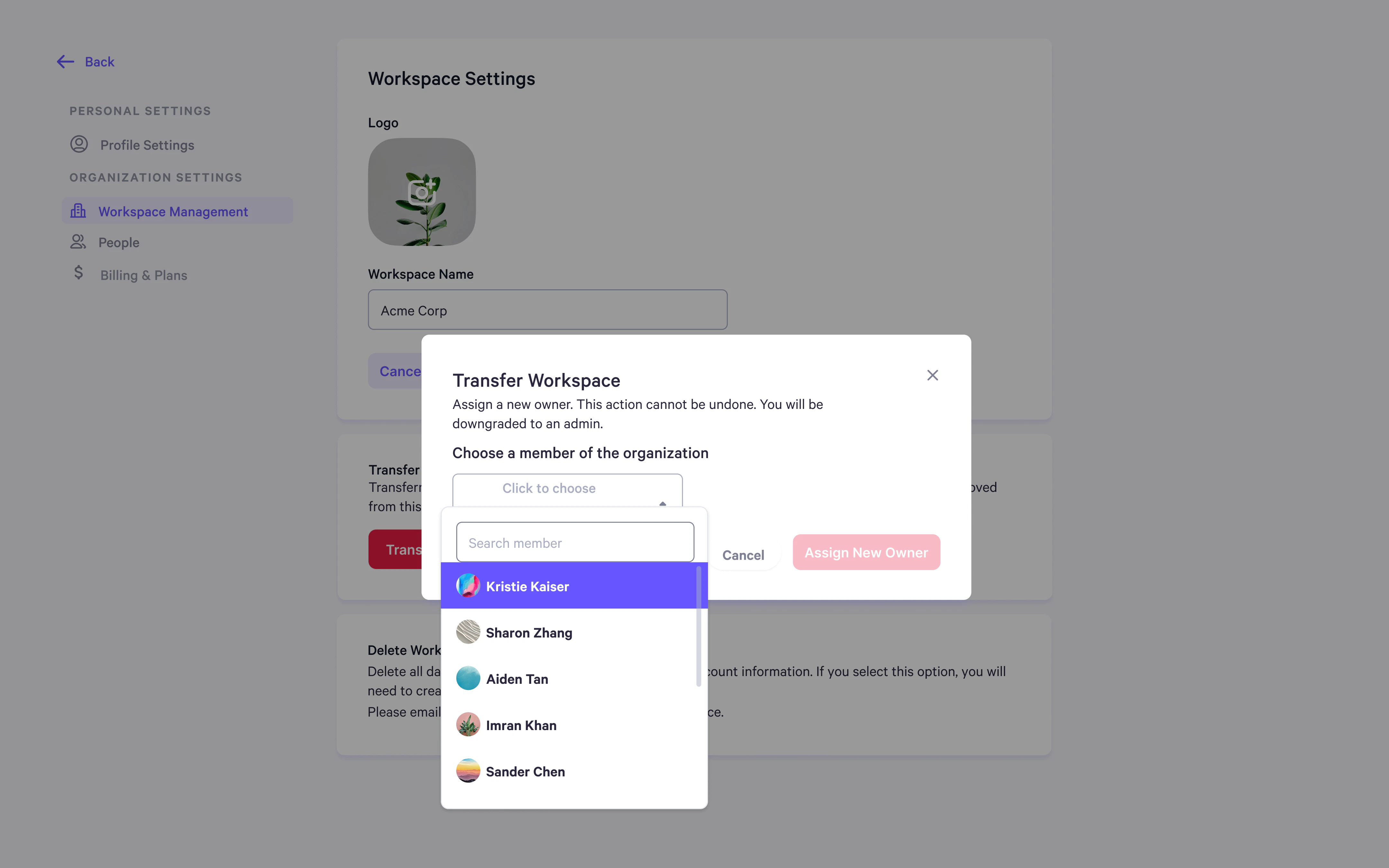
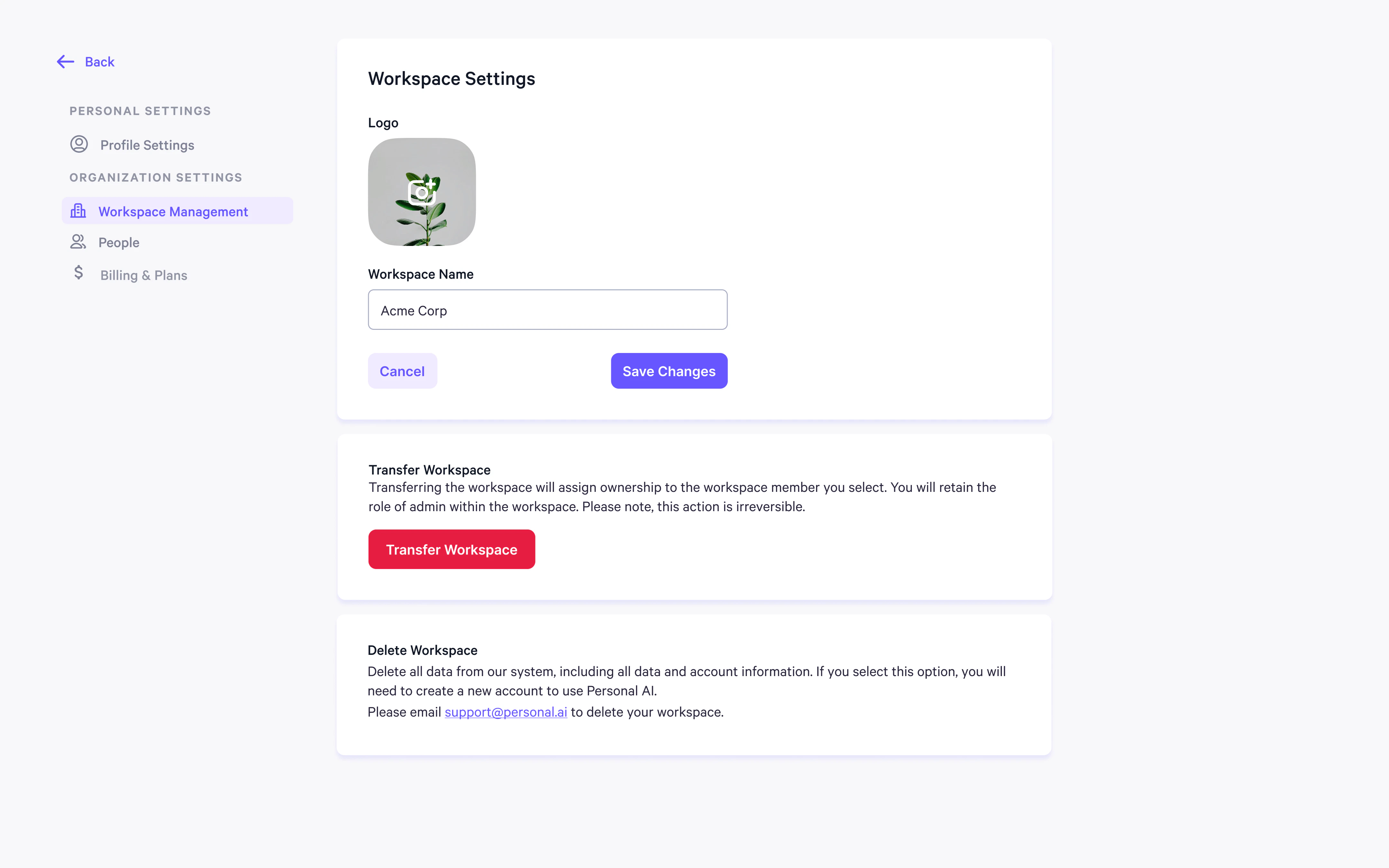 The owner can select a new user from the dropdown menu within the workspace to assign them the **Owner** role.
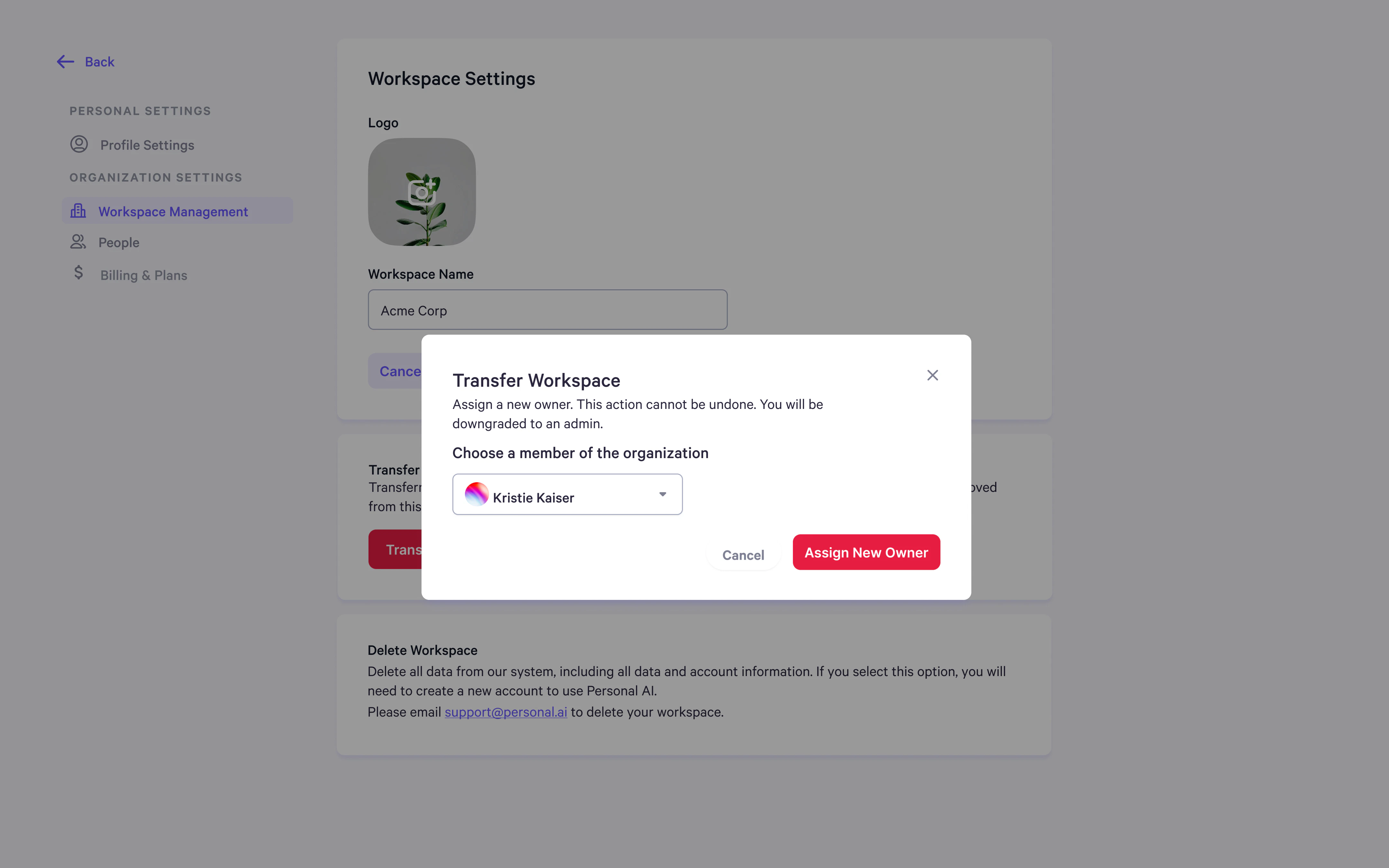
 Before transferring ownership, a confirmation popup will appear asking you to confirm the transfer. Once confirmed, the current **Owner** will be demoted to an **Admin**, and this action **cannot** be undone.
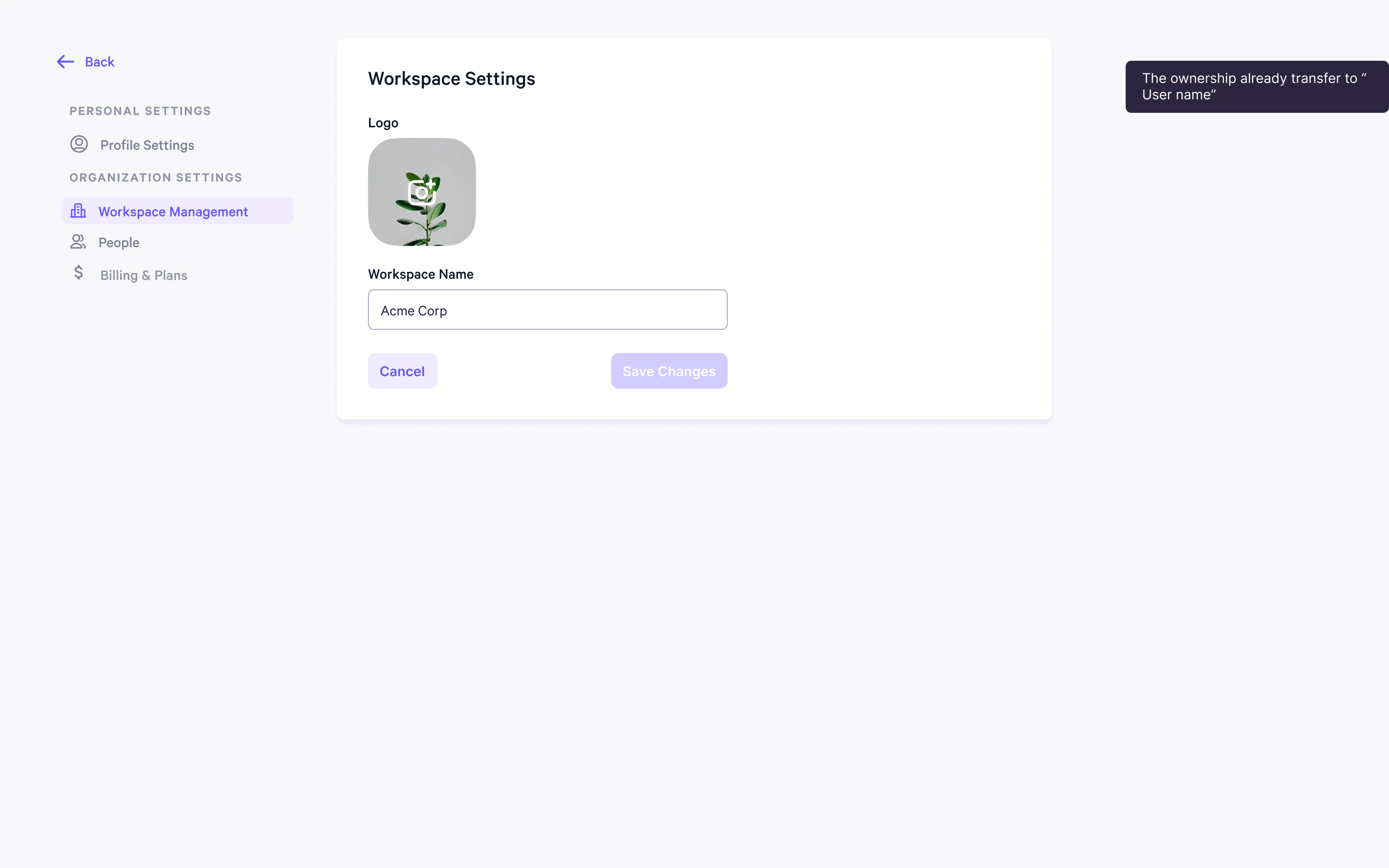
 After the transfer is completed, a notification will appear in the top right corner, confirming that ownership has been transferred to the new user. The previous owner will no longer have access to **Owner** settings in their account.